
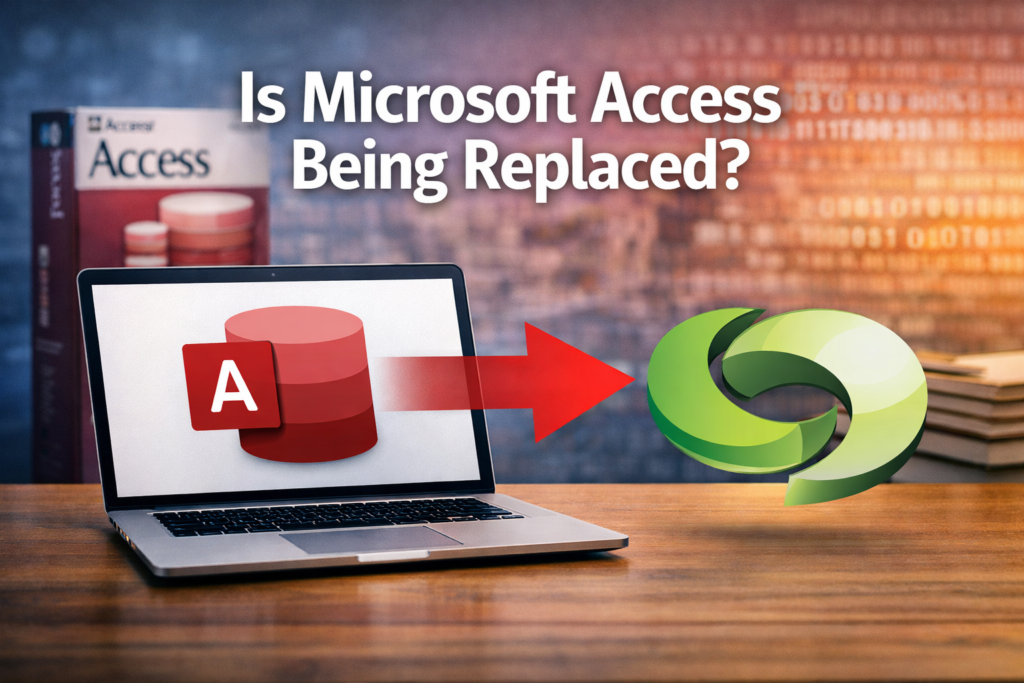
Is Microsoft Access Being Replaced?
If you search “Is Microsoft Access dead?” you’ll find a dozen blog posts from software vendors trying to sell you their replacement product. They’ve been declaring Access obsolete since about 2010.
Meanwhile, Access is still shipping with Microsoft 365, still getting security updates, and still running business-critical applications in thousands of organizations worldwide.
So what’s actually happening? Is Access being replaced, or is this just marketing noise?
The honest answer: Microsoft isn’t killing Access, but they’re not investing in it either. Access is in maintenance mode while Microsoft pours resources into the Power Platform. That’s not the same as being replaced, but it does have implications for your long-term strategy.
What Microsoft Has Actually Said
Microsoft hasn’t announced an end-of-life date for Access. They include it in Microsoft 365 subscriptions, they release security patches, and they’ve even made incremental improvements over the past few years—better SharePoint integration, improved compatibility with newer Windows versions, support for larger Access databases (up from 2GB to… well, still 2GB, but with better compression).
What Microsoft has said, repeatedly and clearly through their actions, is that their strategic investment is in the Power Platform—Power Apps, Power Automate, Dataverse, and Power BI. That’s where new features land. That’s where the developer community is growing. That’s what they’re marketing to businesses.
Access isn’t being replaced in a dramatic sunset announcement. It’s being gradually deprioritized as Microsoft shifts their database and application development story to the cloud.
The Power Platform: Microsoft’s Real Answer
When people ask “what’s replacing Access?” the answer Microsoft wants you to hear is “Power Apps with Dataverse.”
Power Apps gives you web and mobile applications. Dataverse gives you a cloud database with security, scalability, and integration across Microsoft 365. Power Automate handles workflow automation. Power BI covers reporting and analytics. Together, these tools address most of what people use Access for.
The Power Platform isn’t a perfect replacement for Access—the development paradigm is different, the cost structure is different, and there are capabilities Access has that Power Apps doesn’t easily replicate. But it’s clearly where Microsoft sees business application development heading.
If you’re building a new application today and asking yourself “Access or Power Apps?” Microsoft’s answer is Power Apps. They’re not going to say that Access is wrong, but every roadmap, every investment, every marketing message points to the Power Platform.
What “Maintenance Mode” Actually Means
Access is in what the industry calls “maintenance mode”—it’s supported but not actively developed with major new features.
What this means in practice:
Access will continue working on current and future Windows versions. Microsoft won’t break it deliberately.
Security vulnerabilities will be patched. Microsoft isn’t going to let Access become a security liability.
Critical bugs that affect a large number of users will likely get fixed, though perhaps not as quickly as they would for actively developed products.
You won’t see major new features. Don’t expect modern UI updates, cloud collaboration features, or integration with new Microsoft services. The feature set is essentially frozen.
What this doesn’t mean:
It doesn’t mean Access will stop working next year. Products in maintenance mode can continue for decades—look at Visual Basic 6, which Microsoft released in 1998 and still supports in some capacity today.
It doesn’t mean you can’t use Access for new projects. If Access fits your requirements and constraints, it’s still a legitimate tool. But you should understand you’re building on a platform that won’t evolve significantly.
It doesn’t mean Microsoft will never add anything. They’ve made small improvements over the years, usually in response to Windows updates or security requirements rather than strategic feature development.
The Practical Implications for Your Business
If you’re running business applications on Access, here’s what this situation actually means for you.
Your current Access databases will keep working. The applications you have in production today aren’t going to stop functioning because Microsoft is investing in Power Apps instead. Many Access databases have been running reliably for 10-15 years and will continue running for years to come.
Hiring Access developers will get harder. Fewer developers are learning Access because they see limited career growth in a platform that isn’t evolving. The pool of experienced Access developers is aging and shrinking. This doesn’t affect you immediately, but it’s a risk factor over a 5-10 year horizon.
Integration with new Microsoft services won’t be a priority. When Microsoft releases new features in Microsoft 365, Teams, or other services, they’ll build Power Platform integration first (or only). Access might eventually get similar capabilities, or it might not.
You’re accumulating technical debt. Every year you continue building on Access is another year of applications that will eventually need to be migrated to something else. If you have a clear migration timeline, that’s fine—technical debt isn’t inherently bad if you’re managing it consciously. But if you’re assuming Access will always be a viable platform, you’re setting yourself up for a difficult migration years from now.
The business case for modernization strengthens over time. The gap between what Access can do and what modern platforms offer keeps widening. Mobile access, cloud collaboration, integration capabilities, security features—the advantages of modern platforms compound. The question shifts from “should we migrate?” to “when should we migrate?”
When You Should Still Use Access
Despite everything I’ve said, there are still legitimate reasons to use Access today.
Short-term solutions. If you need something working this month and it’ll be replaced within a year or two anyway, Access can be the fastest path to a working application.
Prototyping and requirements discovery. Access is excellent for quickly building a prototype to prove out a business process or data model. You can iterate rapidly, and if the project proves valuable, you can migrate to a modern platform with clearer requirements.
Small, stable applications with no growth plans. If you have a five-person team using a simple database for a well-defined purpose, and you don’t expect that to change, Access can continue serving that need indefinitely.
Budget constraints. If you already have Microsoft 365 and can’t afford Power Apps licensing, Access is included with your subscription. For very small organizations, this matters.
Specialized reporting needs. Some types of reports are genuinely easier to build in Access than in Power BI or other modern reporting tools. If reporting is your primary use case and the report requirements are complex, Access might still be your best option.
You have deep Access expertise in-house. If you have developers who know Access inside and out but don’t have Power Platform skills, there’s value in using the tool you know well rather than struggling with an unfamiliar platform.
When You Should Move On
Here are the scenarios where continuing to build on Access doesn’t make sense anymore.
You need mobile access. Access is a Windows desktop application. If users need to work from phones or tablets, you need a different platform. This is the most common trigger for modernization.
You’re hitting the 2GB limit. If you’re constantly archiving data or splitting databases to stay under the size limit, you’ve outgrown the platform’s technical constraints.
Multi-user performance is degrading. If you’re seeing corruption issues, locking errors, or performance problems with concurrent users, the file-based architecture isn’t scaling to your needs.
You’re building something with a 5-10 year lifespan. Don’t invest in building complex applications on a platform that’s not being actively developed. The migration will be harder the longer you wait.
Compliance or security requirements demand more. If auditors or regulatory requirements are pushing for role-based security, audit trails, and modern security features, Access will struggle to meet those requirements compared to platforms built for enterprise compliance.
You can’t find or retain Access developers. If hiring and keeping people with Access skills is becoming difficult, that’s the market telling you something about the platform’s future.
The Migration Path: When and How
If you’ve decided it’s time to move off Access, what’s the realistic path forward?
Don’t rush. Access applications that are working don’t need to be migrated on an emergency timeline. Plan the migration strategically based on business priorities, not panic about Access “dying.”
Start with assessment. Understand what you actually have—how many databases, how many users, what business processes they support, how critical they are. Not everything needs to migrate at once.
Prioritize based on pain points. Migrate the applications causing problems first—the ones hitting size limits, the ones users complain about, the ones where mobile access would add real value.
Consider phased approaches. You might move the data to SQL Server or Dataverse first while keeping the Access front-end, then rebuild the interface over time. You don’t have to migrate everything in one project.
Match the destination to the need. Not every Access database belongs in Power Apps. Some might be better as Power BI dashboards. Some might be better as SharePoint lists with Power Automate workflows. Some might justify custom web applications. Choose the platform based on requirements, not assumptions.
Budget for discovery and cleanup. The hardest part of most migrations isn’t learning the new platform—it’s understanding the undocumented business logic in the Access database and cleaning up the data. Plan time and budget for this work.
What I Tell Clients
When clients ask me whether they should still be using Access, here’s my framework:
If you already have Access databases in production, they’ll keep working. Don’t panic and don’t rush into expensive migration projects unless you’re experiencing actual pain points.
If you’re building something new, think hard before choosing Access. You’re betting on a platform that Microsoft isn’t investing in. That bet might pay off for small, short-term projects, but it’s a risk for anything strategic.
If you’re planning 3-5 years out, assume Access won’t be your long-term platform. Build a gradual migration strategy into your IT roadmap.
The real question isn’t “is Access being replaced?” It’s “when should I move to something else, and what should that something else be?”
That’s a decision that depends on your specific situation—your current applications, your user needs, your budget, your timeline, and your technical capabilities. There’s no one-size-fits-all answer.
The Bottom Line
Access isn’t being replaced in a dramatic announcement or sudden shutdown. It’s being quietly deprioritized as Microsoft invests in cloud platforms and modern development tools.
For existing Access applications, this means years of continued support but no significant new capabilities. For new development, it means building on a platform with a limited future.
Microsoft’s replacement is the Power Platform—Power Apps, Dataverse, Power Automate. It’s not a perfect replacement for all Access use cases, but it’s where the ecosystem is heading.
If you’re trying to figure out what this means for your organization’s Access databases, I can help. I’ve been working with Access since the late 1990s, and I’ve helped dozens of businesses navigate the transition to modern platforms. Let’s talk about your specific situation and build a plan that makes sense.
Contact me at anthony@accessevolved.com or through the contact form on this site.
Anthony Passeri is an independent consultant specializing in Microsoft Access modernization, Power Platform development, and database solutions. With 21+ years of database development experience, he helps businesses understand their options and make informed decisions about database platforms.
Ready to talk through your options? Reach out to Anthony at AccessEvolved — email anthony@accessevolved.com or call 212-951-1010. No sales pitch, just a straight conversation about what makes sense for your situation.