Services

Our Services

What We Do

AccessEvolved specializes in an area that many IT consultants tend to avoid — Microsoft Access. We provide comprehensive Access database support for the systems businesses still rely on, modernizing them when the time is right. Our expertise also includes developing custom Access solutions and implementing Access migration strategies to seamlessly transition to the Microsoft Power Platform. Whether you need your legacy database stabilized today or a full migration to Power Apps tomorrow, including our NPI provider data products, we’ve got you covered.

Legacy Access Support & Maintenance

Your Access database is still running the business — let’s keep it that way. We provide ongoing Access database support for your existing Microsoft Access applications, including bug fixes, performance tuning, documentation, multi-user troubleshooting, and security improvements. If your current system is fragile or undocumented, we stabilize it first so you can operate with confidence. Additionally, we can help you with Access migration strategies if you decide to transition to the Microsoft Power Platform or explore custom Access development. Our services are ideal for businesses with working Access systems that need expert support without a full rebuild.

Access Migration & Modernization

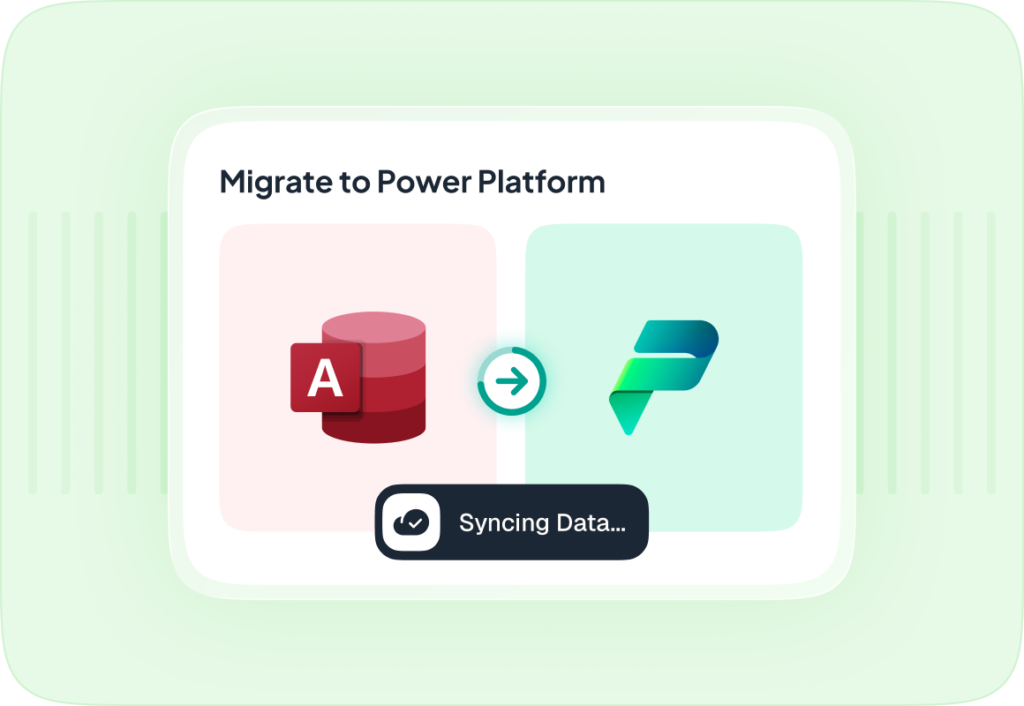
Ready to move off your Access database support? We design and execute phased Access migration strategies to the Microsoft Power Platform — including Power Apps, Dataverse, SharePoint, and Azure — ensuring that your business operations remain uninterrupted. Our approach preserves your business logic, protects your data, and modernizes your workflows on a timeline that suits your needs, all while incorporating custom Access development for tailored solutions. This service is ideal for organizations looking to transition to cloud-based, scalable solutions with our NPI provider data products.

Custom Access Development

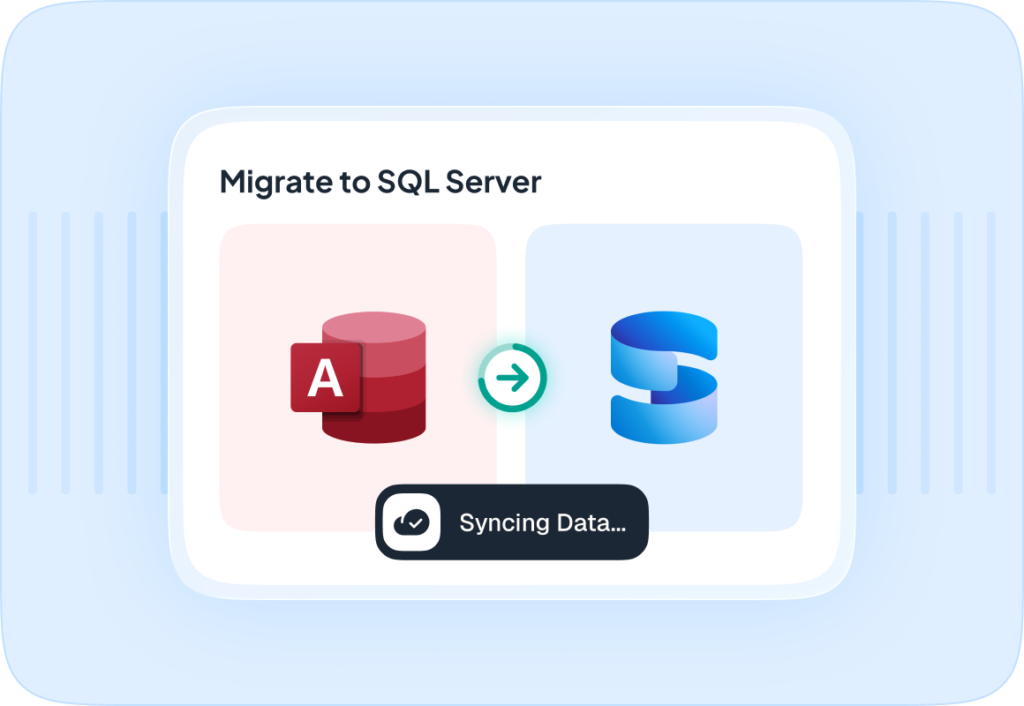
Need something built or rebuilt in Microsoft Access? We specialize in custom Access development, designing and developing tailor-made Access applications from scratch, including forms, queries, reports, VBA automation, and SQL Server or Azure SQL backends. Our Access database support ensures that we deliver polished, documented, and maintainable applications that your team can actually use. Additionally, we offer Access migration strategies to help businesses transition smoothly to new solutions, including integration with the Microsoft Power Platform and NPI provider data products. This service is ideal for businesses that need a purpose-built Access solution delivered fast.

MSP & IT Partner Services

We partner with Managed Service Providers and IT firms that manage legacy Access databases from their clients. When your team lacks the bandwidth or Access expertise in-house, AccessEvolved becomes your trusted specialist in Access database support. We operate quietly behind the scenes as an extension of your team — stabilizing legacy systems, providing Access migration strategies, advising on modernization paths, and protecting your client relationships with custom Access development. Our services are especially beneficial for MSPs and IT consultants who need a reliable Access specialist on call, as well as those looking to integrate Microsoft Power Platform solutions or utilize NPI provider data products.

MS Forms and Workflow Automation

 Many organizations rely on manual processes to collect information from staff — paper forms, email chains, and spreadsheets that require someone to constantly follow up. With Microsoft Forms and Power Automate, we can transform those manual processes into seamless, automated workflows that save time, reduce errors, and ensure nothing falls through the cracks. From incident reports and HR intake forms to maintenance requests and client onboarding, we design and build end-to-end systems that collect information, notify the right people, and follow up automatically until the job is done.

At AccessEvolved, we specialize in building these workflows for small and mid-sized organizations that run on Microsoft 365 — including those whose automations have broken down or were never fully completed. Whether you’re starting from scratch or inheriting a system that’s stopped working, our team can assess what you have, repair what’s broken, and build something reliable and easy to manage going forward. No IT department required — we build solutions your team can actually use.

 PRICING: Every project is different, contact us for a quote 

bg 06 free img

Jobber is a product. Access Evolved builds a solution.

Jobber is a pre-built SaaS tool designed for generic field service businesses — landscapers, cleaners, HVAC, etc. It works well if your business fits its mold. But that’s exactly the limitation.

Reasons someone chooses a custom Power Apps build over Jobber:

1. Your business doesn’t fit Jobber’s mold Jobber is opinionated about how field service should work. If your workflows, approval chains, job types, or billing structures are unique, you’re constantly working around the software instead of with it.

2. You’re already in the Microsoft ecosystem If the client uses M365, SharePoint, Teams, or Outlook, a Power Apps solution integrates natively — no third-party sync, no middleware, no duplicate data entry. Jobber bolt-ons like QuickBooks sync cost extra and still break.

3. Total cost of ownership Jobber at $199–$599/month, plus add-ons, plus per-user fees, plus payment processing = real money every month, forever. A custom Power Apps build has a one-time development cost and then near-zero ongoing licensing (Power Apps per-app licensing can be as low as $5/user/month through existing M365 plans).

4. You own it Jobber can change pricing, sunset features, or get acquired. A custom solution is yours — no vendor lock-in, no surprise pricing hikes.

5. Integration with your actual data If the client has existing systems — QuickBooks, an ERP, Oracle, a legacy Access database — a custom build connects to all of it cleanly. Jobber connects to what Jobber supports.

6. Regulatory or compliance requirements Healthcare, finance, tribal/government clients often can’t put their data in third-party SaaS. A Power Apps solution backed by Dataverse or SharePoint keeps data inside their tenant.