
Let’s be clear about one thing upfront: Access is not bad software. It was well-designed for its era, and plenty of databases built on it have served organizations faithfully for decades. This post is not an attack on Access. It is an honest look at why, for most organizations still running on it today, the cost of staying is higher than they realize.
1. Your data is one network hiccup away from corruption
Access stores your database as a single file on a network share. Every time someone saves a record, that file is being written to across the network. When the connection drops mid-write — and it will, eventually — the result can be a corrupted database that won’t open. Recovering from Access corruption ranges from inconvenient to catastrophic depending on how recent your last backup was and how badly the file was damaged. This is not a theoretical risk. It is a known, documented limitation of the architecture that has been causing data loss for as long as Access has existed. Modern platforms like Power Apps on Dataverse store data in Azure with redundancy, automatic backups, and no single file that can be destroyed by a dropped connection.
2. Nobody can use it from their phone
Access is a Windows desktop application. Full stop. There is no mobile version, no browser version, and no reasonable workaround that makes it function well for someone who is away from their desk. In a business environment where people expect to check records, submit approvals, and update information from wherever they happen to be, this is an increasingly hard limitation to defend. Power Apps runs natively on iOS and Android, works in any browser, and can function offline when there is no signal available.
3. When the person who built it leaves, you are in trouble
Almost every long-running Access database has one person who truly understands it. They know the quirks, the undocumented behaviors, the queries that have to run in a specific order, the form that crashes if you open it the wrong way. That knowledge lives in their head, not in documentation, because Access makes it easy to build things fast and hard to document them thoroughly. When that person leaves — and eventually they always do — the organization inherits a system they cannot fully understand, maintain, or safely modify. Power Apps on Dataverse follows a standard architecture. Any competent Power Platform developer can pick it up, understand it, and extend it without a knowledge transfer from the original builder.
4. It has no real security model
Access security amounts to file system permissions on the folder where the database lives. If you can open the file, you can see everything in it. There is no row-level security — no way to show a user only their own records without building application-level workarounds. There is no audit log showing who changed what and when. There is no encryption at rest without third-party tools. For organizations in regulated industries — financial services, healthcare, legal — these gaps are not just inconvenient, they are compliance liabilities. Dataverse has role-based security, field-level permissions, and full audit logging built into the platform by default.
5. It has a 2 GB ceiling and no upgrade path
Access databases max out at 2 GB. Performance degrades noticeably before you hit that limit — slow queries, sluggish forms, frustrated users. When you reach it, your options within Access are limited to archiving old records or splitting data across multiple files, neither of which scales gracefully. There is no “upgrade” to a bigger Access. There is only migration. The question is whether you do that migration proactively, on your own timeline, or reactively, under pressure, after the database has become a genuine operational problem.
What to use instead
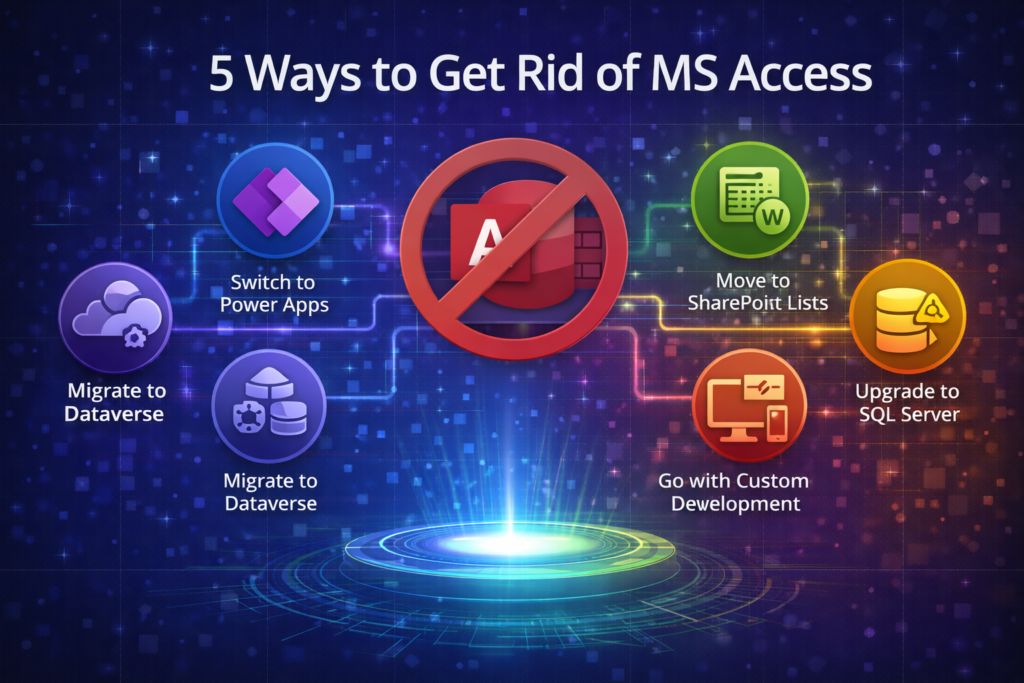
For most small and mid-sized organizations, the answer is Power Apps on Dataverse. It runs in the cloud, works on any device, scales without file size limits, and integrates natively with the Microsoft 365 tools your team already uses. Migration from Access is a defined, manageable project — not a rip-and-replace crisis — and the result is a system that can grow with the business rather than constraining it.
At AccessEvolved, Access-to-Power Apps migration is our core specialty. If you’re ready to have the conversation, start at accessevolved.com.
Ready to talk through your options? Reach out to Anthony at AccessEvolved — email anthony@accessevolved.com or call 212-951-1010. No sales pitch, just a straight conversation about what makes sense for your situation.