
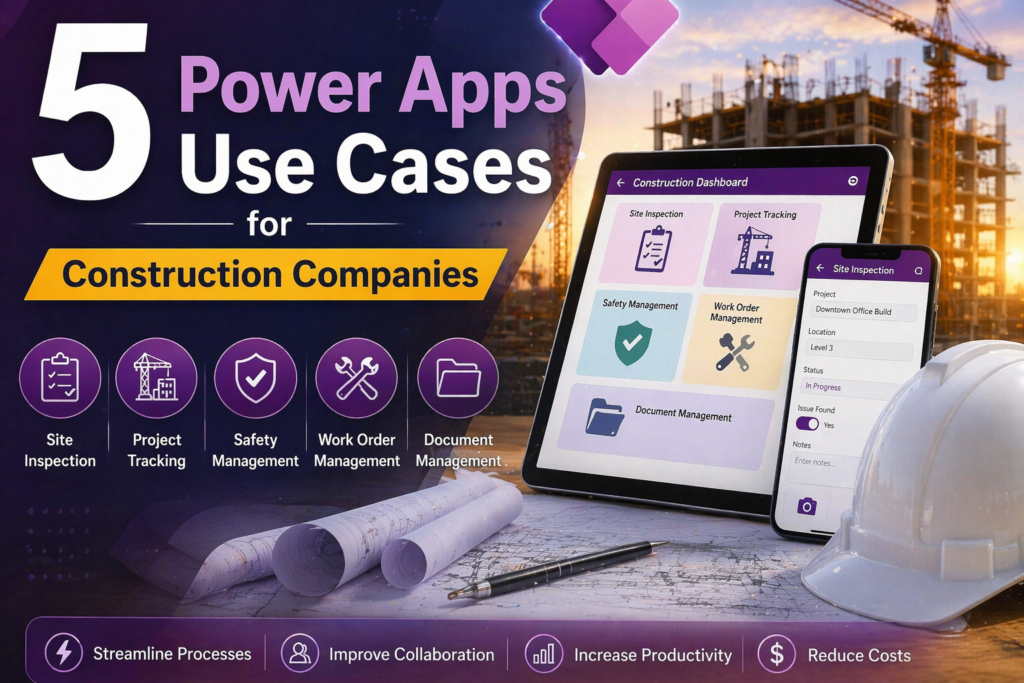
5 Power Apps Use Cases for Construction Companies
Construction is one of the industries where the gap between how work actually happens and how it gets documented is widest. Jobs run in the field, paperwork gets done in the truck or back at the office, and the data that should be flowing between project managers, crews, and clients often moves through text messages, phone calls, and spreadsheets that nobody fully trusts.
Power Apps closes that gap without requiring a massive software investment or a months-long implementation. Here are five use cases we see consistently in construction that are practical, buildable, and deliver immediate operational value.
1. Daily Field Reports and Job Site Logs
Most construction companies still handle daily field reports on paper or in emailed spreadsheets. A crew lead fills something out, it gets scanned or emailed to the office, someone manually enters it into a system, and by the time a project manager sees it the information is a day old and missing half the context.
A Power Apps canvas app built for daily field reporting puts a mobile form in every crew lead’s pocket. They open the app on their phone or tablet, select the job, log hours by crew member, note materials used, flag any issues or delays, and submit — all before they leave the site. The record hits Dataverse instantly, triggers a Power Automate notification to the project manager, and is available in a Power BI dashboard before the end of the day.
No paper. No scanning. No manual re-entry. And because the form has required fields and dropdown controls, the data that comes in is clean and consistent instead of whatever someone happened to write on a form at the end of a long day.
2. Safety Incident and Near-Miss Reporting
OSHA recordkeeping requirements are not optional, and the administrative burden of maintaining compliant incident records manually is significant. More importantly, near-miss reporting — which is critical for identifying hazards before they become injuries — almost never happens consistently when the process is cumbersome.
A Power App built specifically for safety reporting makes it fast enough that crew members will actually use it. They select the job site, describe what happened, classify the incident type, attach a photo if relevant, and submit in under two minutes. The app routes the report automatically to the safety officer and project manager, creates a timestamped record in Dataverse with the submitting user’s identity, and generates a draft OSHA report if the incident meets recordable criteria.
The result is more complete reporting, faster response times, and an audit trail that holds up if something is ever questioned by a regulator or an insurance carrier.
3. Equipment and Tool Tracking
Where is the excavator right now? Who signed out the laser level last week? When is the compressor due for its next service? These are questions that construction operations managers deal with constantly, and the answers usually live in someone’s head, a whiteboard, or a spreadsheet that’s three days out of date.
A Power Apps equipment tracking app gives every piece of equipment a record in Dataverse with its current location, assigned job, last service date, and checkout history. Field crews check equipment in and out through the app. The app flags overdue service intervals automatically and sends a Power Automate alert to the equipment manager. Project managers can see what’s available and what’s committed without making phone calls.
For companies running multiple job sites simultaneously, the visibility this creates pays for the build cost within the first month.
4. Subcontractor and Vendor Compliance Tracking
Before a subcontractor sets foot on a job site, most general contractors need to verify insurance certificates, licenses, and safety certifications. Managing that process manually — chasing documents via email, tracking expiration dates in a spreadsheet, trying to remember who sent what — is a significant administrative burden and a real liability exposure if something slips through.
A Power App built for subcontractor compliance management gives each subcontractor a record with their required documents, expiration dates, and current compliance status. Power Automate sends automated reminders to subcontractors when documents are approaching expiration and alerts the compliance manager when anything lapses. Project managers can check a subcontractor’s status from their phone before allowing them on site.
The app can also include a simple vendor portal built on Power Pages where subcontractors upload their own documents directly — eliminating the email chain entirely.
5. Change Order and RFI Management
Change orders and Requests for Information are where construction projects lose money and time. When a change order sits in someone’s inbox waiting for approval, work either stops or proceeds without authorization — both of which create problems. When an RFI gets lost in an email thread, the answer never reaches the crew that needed it.
A Power Apps change order and RFI management app gives every request a formal record with a status, an owner, a due date, and a complete history of every action taken. Submitting a change order triggers a Power Automate approval flow that routes to the right approver based on the dollar amount and project. The approver gets a notification in Teams or Outlook, approves or rejects with comments, and the originator is notified immediately. Every step is logged with a timestamp.
RFIs follow the same pattern — submitted in the app, routed to the architect or engineer, tracked to resolution, and accessible to anyone on the project who needs the answer. Nothing gets lost in email, and project managers have a real-time view of every open item across all active jobs.
Why Construction Is a Strong Fit for Power Apps
Construction operations have a specific combination of characteristics that make Power Apps particularly well suited: work happens in the field away from desktops, data needs to flow between multiple roles and locations, compliance and documentation requirements are significant, and the existing systems are often a patchwork of spreadsheets, paper forms, and legacy software that doesn’t talk to each other.
Power Apps runs on any device, works with the Microsoft 365 licenses most construction companies already have, and can be built and deployed in weeks rather than months. The five use cases above are not theoretical — they are the kinds of applications we build for field-based businesses regularly, and the ROI in reduced administrative time and improved data quality is typically visible within the first quarter.
Ready to talk through your options? Reach out to Anthony at AccessEvolved — email anthony@accessevolved.com or call 212-951-1010. No sales pitch, just a straight conversation about what makes sense for your situation.