Legacy System Documentation
If the one person who understands your Access database left tomorrow, could anyone else run it? We make sure the answer is yes.
- No credit card required
The Risk of an Undocumented Database
Most long-running Access systems exist entirely in one person’s head. There’s no data dictionary, no diagram of table relationships, no explanation of why a particular VBA function does what it does. That’s fine — until that person is on vacation, changes roles, or leaves the company, and a routine question becomes a crisis.

Proven Impact
The trusted legacy database and cloud modernization partner for growing businesses and IT Managed Service Providers.
Years of relational database experience
Mission-critical databases stabilized
Data lost during cloud migrations
What Ongoing Access Support Includes
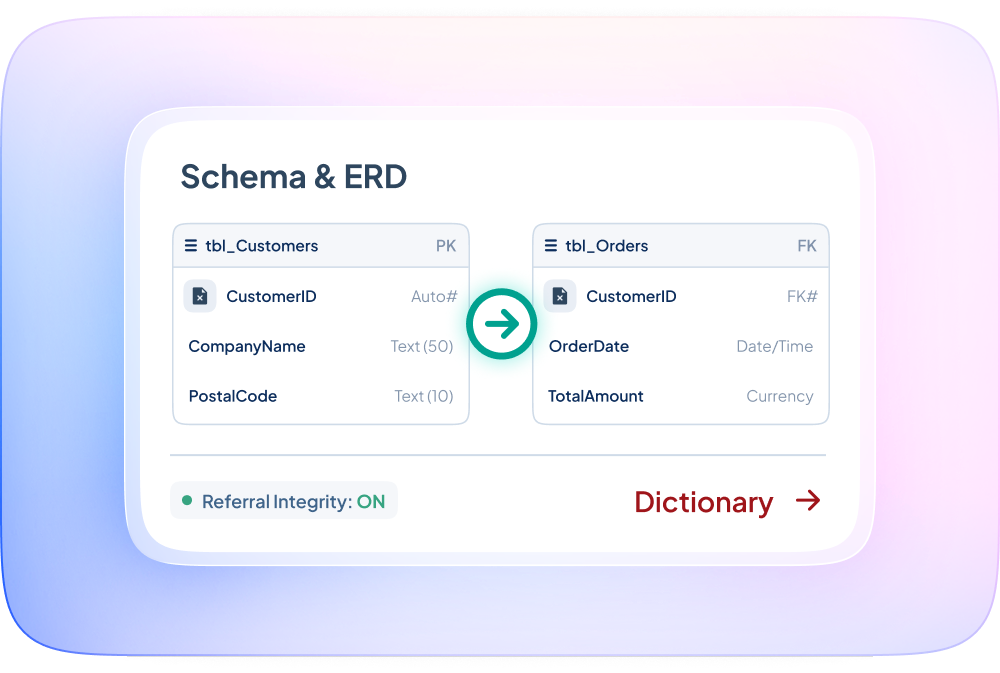
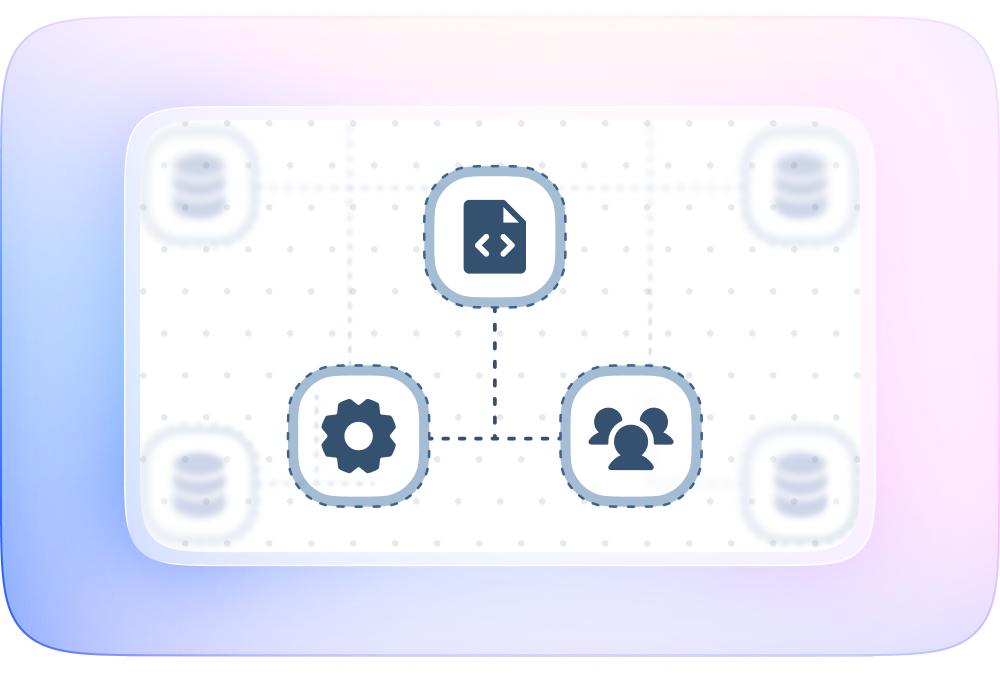
Table structures and relationships — a full data dictionary and entity relationship diagram
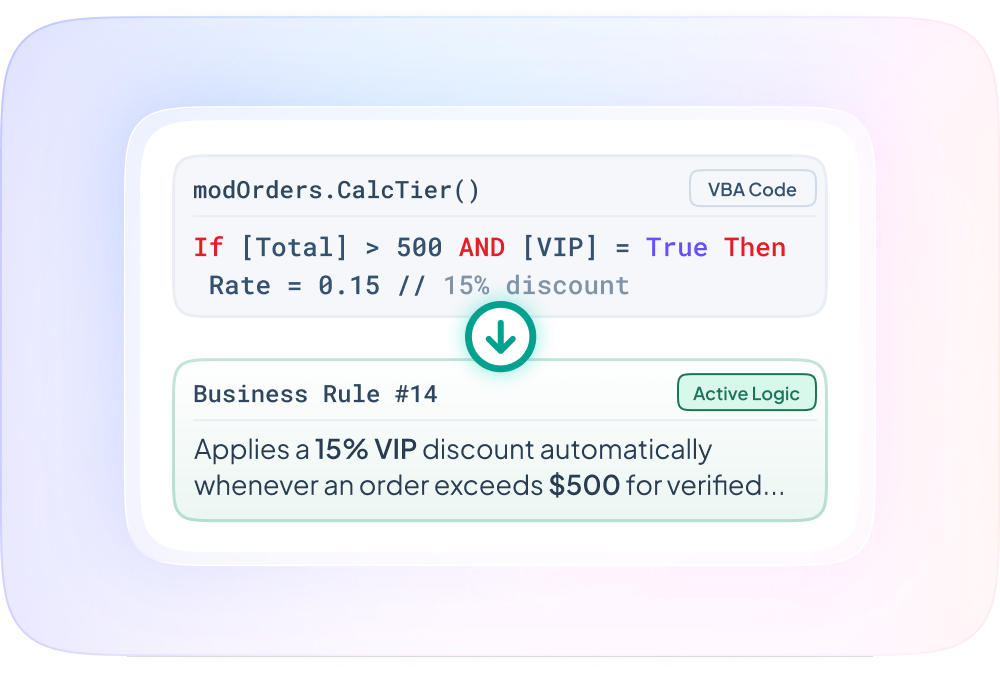
Business logic embedded in VBA — what each macro and function actually does, in plain language
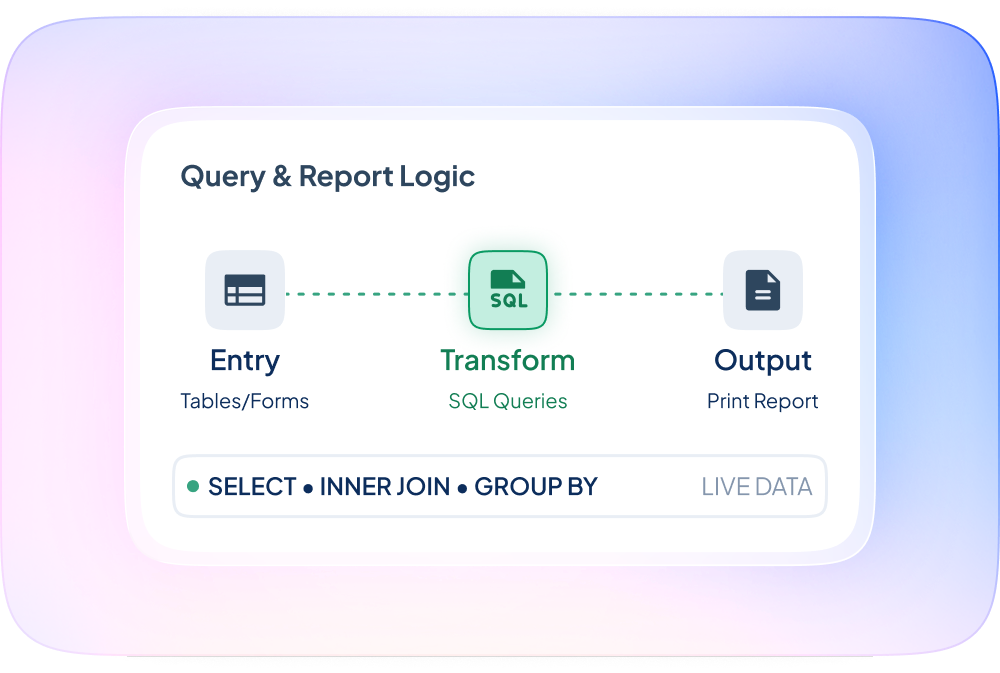
Query and report logic — how data flows from entry to output
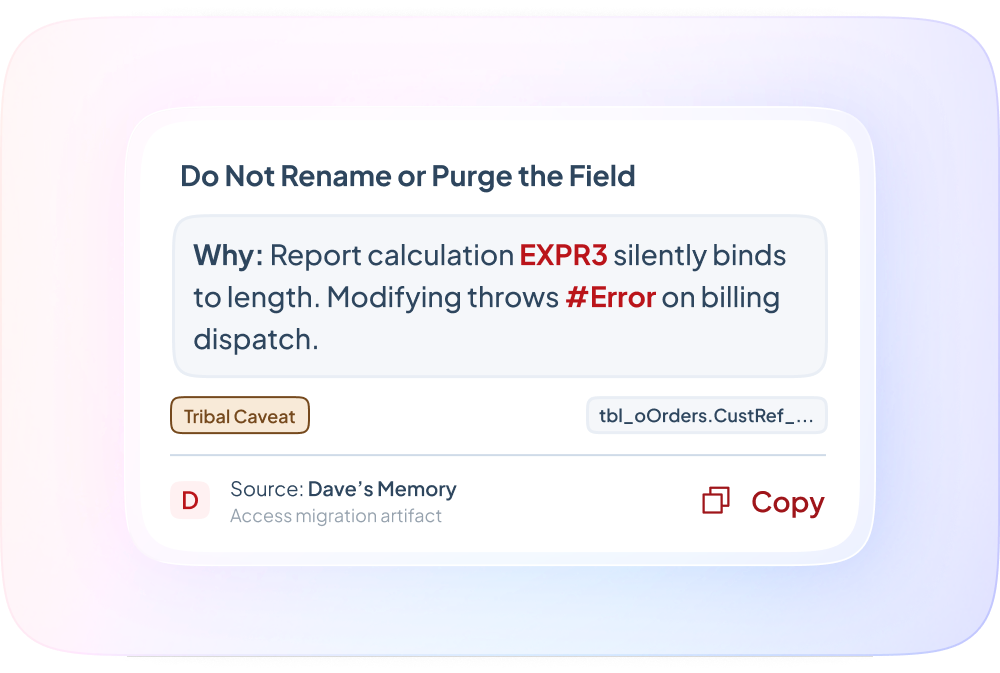
Known issues and workarounds — the “don’t touch that field, it breaks the report” knowledge that currently only lives in someone’s memory
Data flow to and from external systems — imports, exports, and integrations
Why This Matters Even If You’re
Not Migrating Yet
Documentation isn’t just a migration prerequisite — it’s insurance. A documented system can be maintained by more than one person, onboarded to a new hire faster, and audited or reviewed without guesswork. It’s also the fastest way to get an accurate quote for any future migration project, since undocumented systems are where migration estimates go wrong.