Microsoft Access Database Repair
Corrupted, crashing, or throwing errors no one can explain? We diagnose and fix Access databases fast — usually without losing your data.
- No credit card required
Common Access Problems We Fix
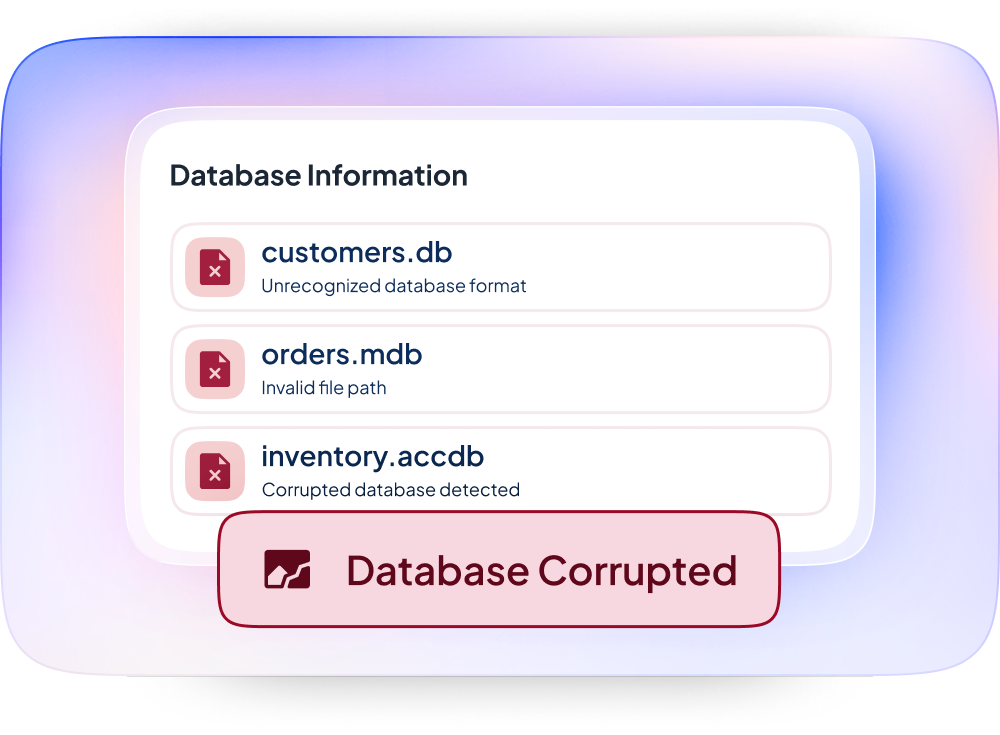
Database corruption — “Unrecognized database format,” “Not a valid file name,” or the file simply won’t open
Multi-user crashes — the database works fine for one person and falls apart the moment a second person opens it
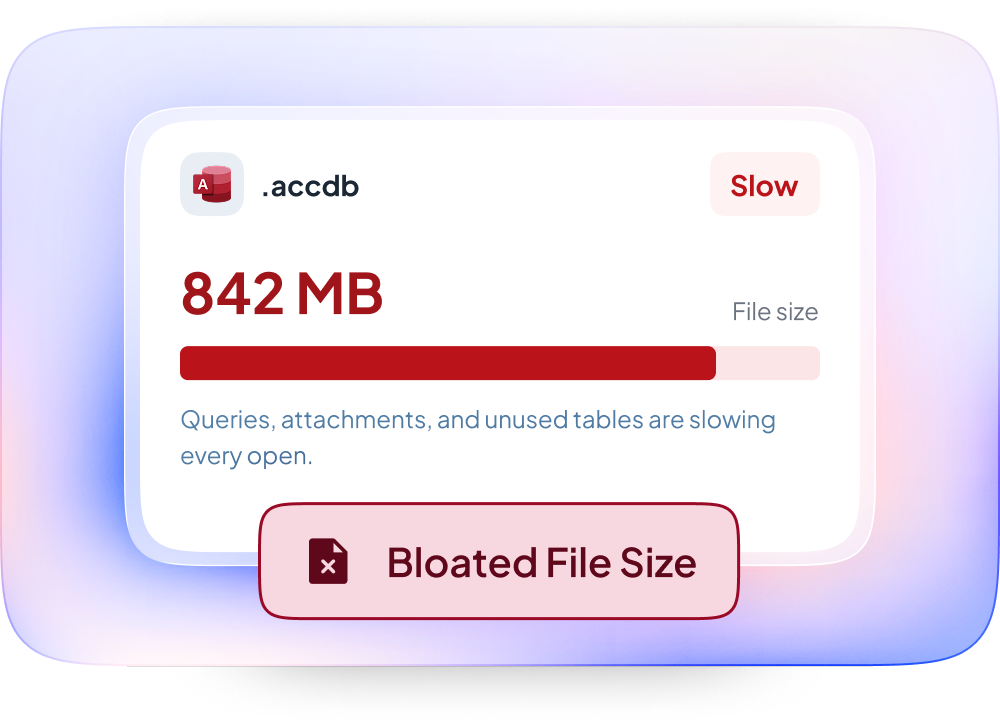
Bloated file size — a .accdb file that’s grown to hundreds of megabytes and slowed to a crawl
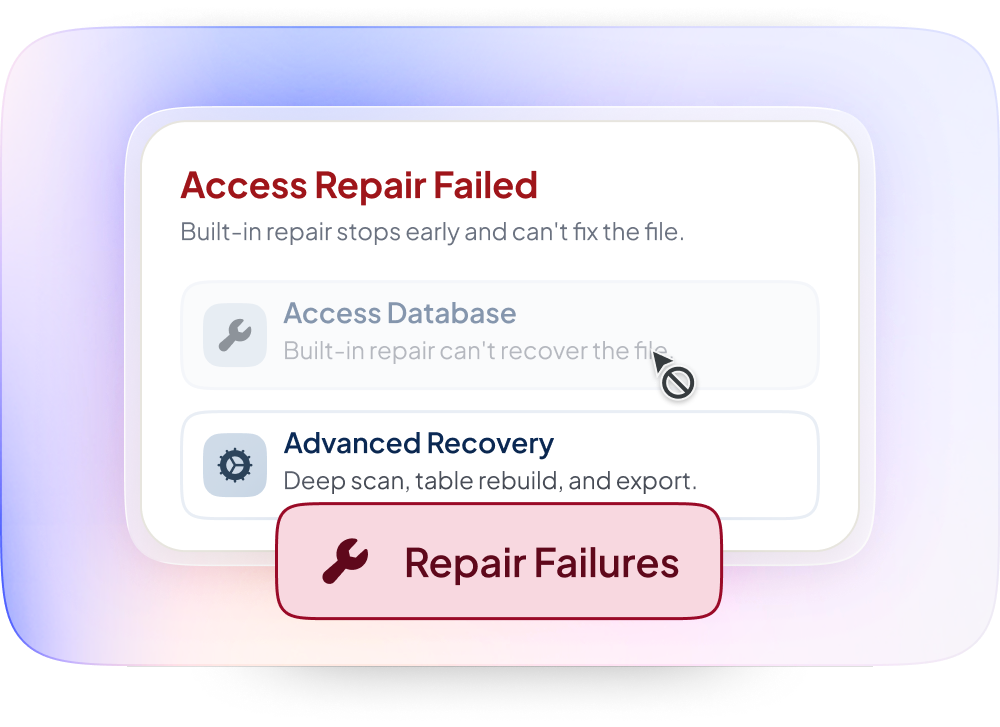
Compact and repair failures — when Access’s built-in repair tool can’t fix what’s wrong
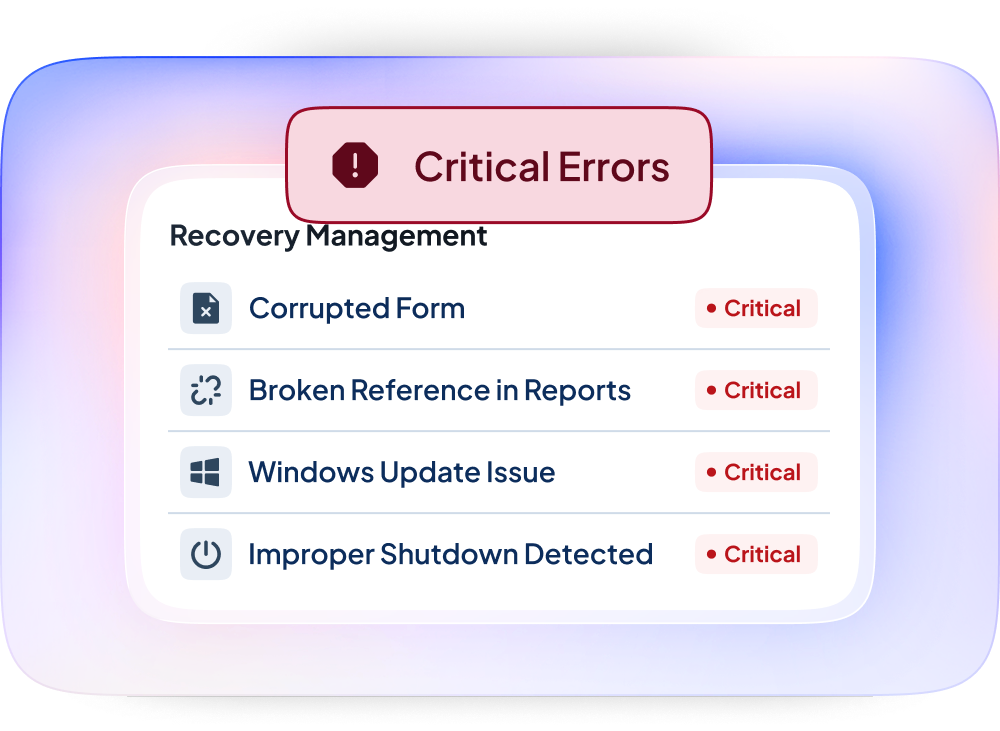
Corrupted forms, reports, or broken references — after an Office update, a Windows update, or a bad shutdown
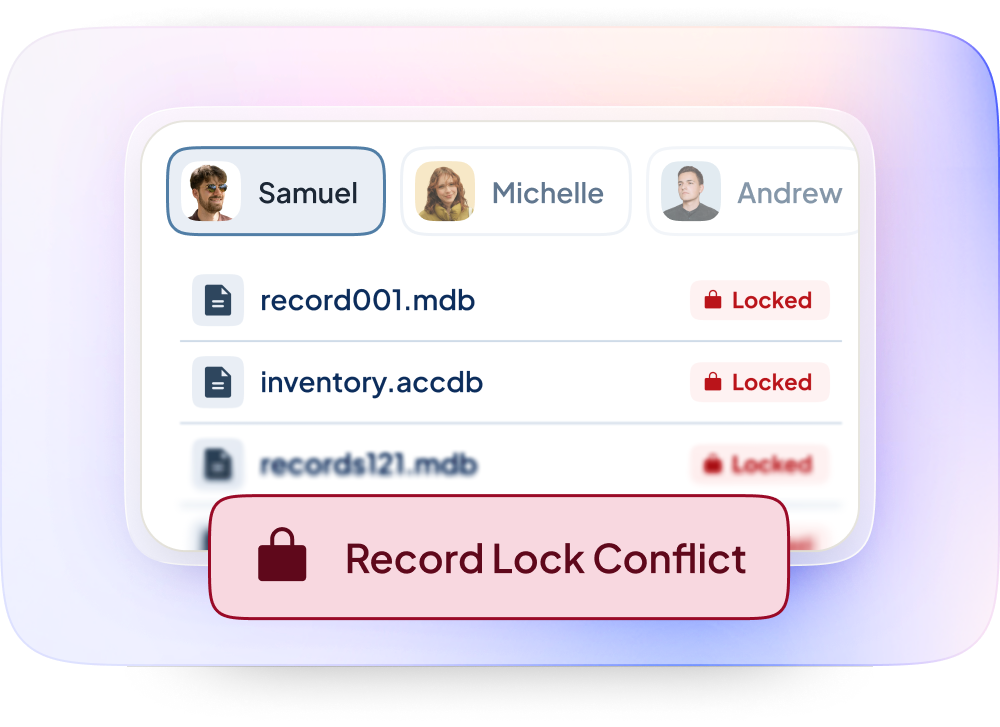
“Record is locked by another user” errors that won’t clear
Proven Impact
The trusted legacy database and cloud modernization partner for growing businesses and IT Managed Service Providers.
Years of relational database experience
Mission-critical databases stabilized
Data lost during cloud migrations
Our Repair Process
We identify exactly what’s corrupted and why, and whether it’s a one-time event or a symptom of a deeper design issue.
We extract and repair what can be salvaged, working from backups and the damaged file in parallel where needed.
Once the database is back online, we address the root cause often a front-end/back-end split, network reliability issue, or file-size/index problem so the same failure doesn’t recur.
Why Repairs Fail (When They’re Done Wrong)
Most “quick fixes” for Access corruption just get the file to open again — they don’t address why it corrupted in the first place. If your Access system is on a shared network drive without a proper front-end/back-end split, corruption isn’t a matter of if, it’s when. We fix the immediate problem and the structural cause.