Short answer: Microsoft Access’s five biggest limitations are file corruption from network drops, no mobile or browser access, dependence on the one person who built it, weak security and auditing, and a 2 GB size cap. Power Apps, SQL Server and SharePoint each solve some or all of them.
Let’s be clear upfront: Access is not bad software. It was well designed for its era, and plenty of Access databases have served organizations faithfully for decades. This isn’t an attack on Access. It’s an honest look at why, for most organizations still running on it, staying costs more than they realize.
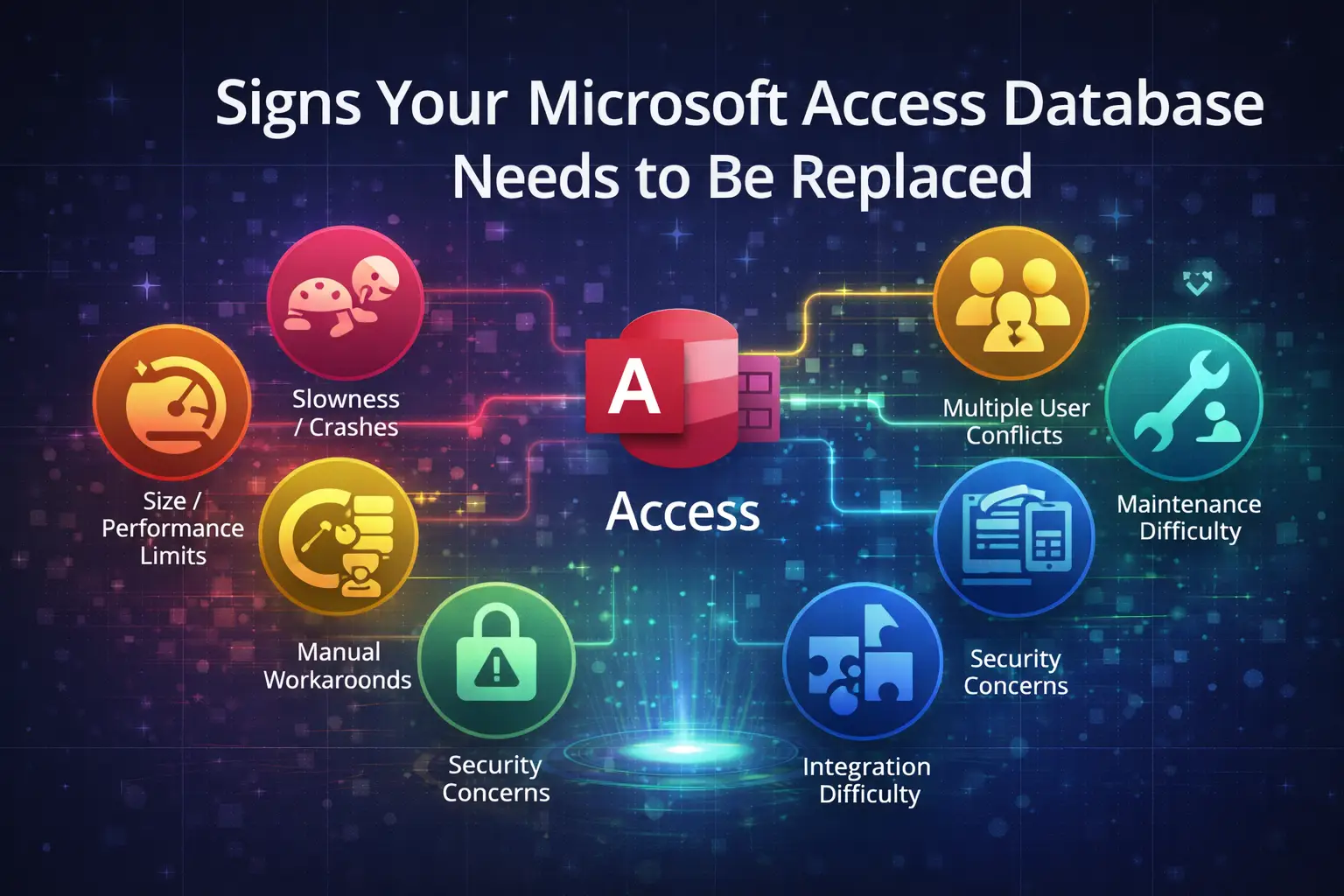
1. Your Data Is One Network Hiccup Away From Corruption
In a typical multi-user setup, Access stores your data as a single file on a network drive. Every saved record is written to that file across the network. When the connection drops mid-save, and eventually it will, the result can be a corrupted database that won’t open.
Recovery ranges from inconvenient to catastrophic, depending on how recent your last backup is and how badly the file is damaged. This isn’t a theoretical risk; it’s a known limitation of the design. If it happens to you, follow our guide to repairing a corrupted Access database.
Modern platforms like Power Apps on Dataverse store data in Microsoft’s cloud with redundancy and automatic backups. There’s no single file for a dropped connection to destroy. Moving the tables to SQL Server solves this too.
2. Nobody Can Use It From Their Phone
Access is a Windows desktop application. There’s no mobile version, no browser version, and no good workaround for someone away from their desk. Remote desktop and VPN setups technically work, but they’re clumsy and often painfully slow.
When people expect to check records, approve requests and update information from anywhere, that’s a hard limitation to defend. Power Apps runs on iPhone, Android and any web browser, and can work offline when there’s no signal.
3. When the Person Who Built It Leaves, You’re in Trouble
Almost every long-running Access database has one person who truly understands it: the quirks, the queries that must run in a certain order, the form that crashes if you open it the wrong way. That knowledge lives in their head, not in documentation, because Access makes it easy to build fast and hard to document well.
When that person leaves, and eventually they do, the organization inherits a system it can’t fully understand, maintain or safely change. Power Apps on Dataverse follows a standard structure that any competent Power Platform developer can pick up and extend. If you’re staying on Access for now, documenting the system removes most of this risk.
4. It Has No Real Security Model
Access security mostly comes down to permissions on the folder where the file lives. If you can open the file, you can see everything in it. Access can encrypt a database with a password, but modern .accdb files have no user-level security, no row-level security (no way to show users only their own records without workarounds), and no built-in audit log of who changed what.
For healthcare, financial services and legal organizations, these gaps aren’t just inconvenient; they’re compliance liabilities. Dataverse has role-based security, column-level permissions and full audit logging built in. SQL Server offers strong security and auditing as well.
5. It Has a 2 GB Ceiling
According to Microsoft’s specifications, an Access database file maxes out at 2 GB, including system objects. Performance drops well before that: slow queries, sluggish forms, frustrated users. Within Access itself, your only options are archiving old records or splitting data across multiple files, and neither scales well.
There is no “bigger Access.” But there is a well-worn upgrade path: move the tables to SQL Server and keep your Access forms and reports as the front end. Or move the whole application to Power Apps. The real question is whether you do it proactively, on your schedule, or reactively, under pressure, after the database has become an operational problem.
What to Use Instead
The right replacement depends on which limitation hurts most:
| Limitation | Best fix |
|---|---|
| Corruption risk | SQL Server or Dataverse back end |
| No mobile or browser access | Power Apps (on Dataverse or SharePoint) |
| Depends on one person | Documentation now; Power Apps rebuild later |
| Weak security and no audit trail | Dataverse or SQL Server |
| 2 GB limit and slow performance | SQL Server back end, keeping Access screens |
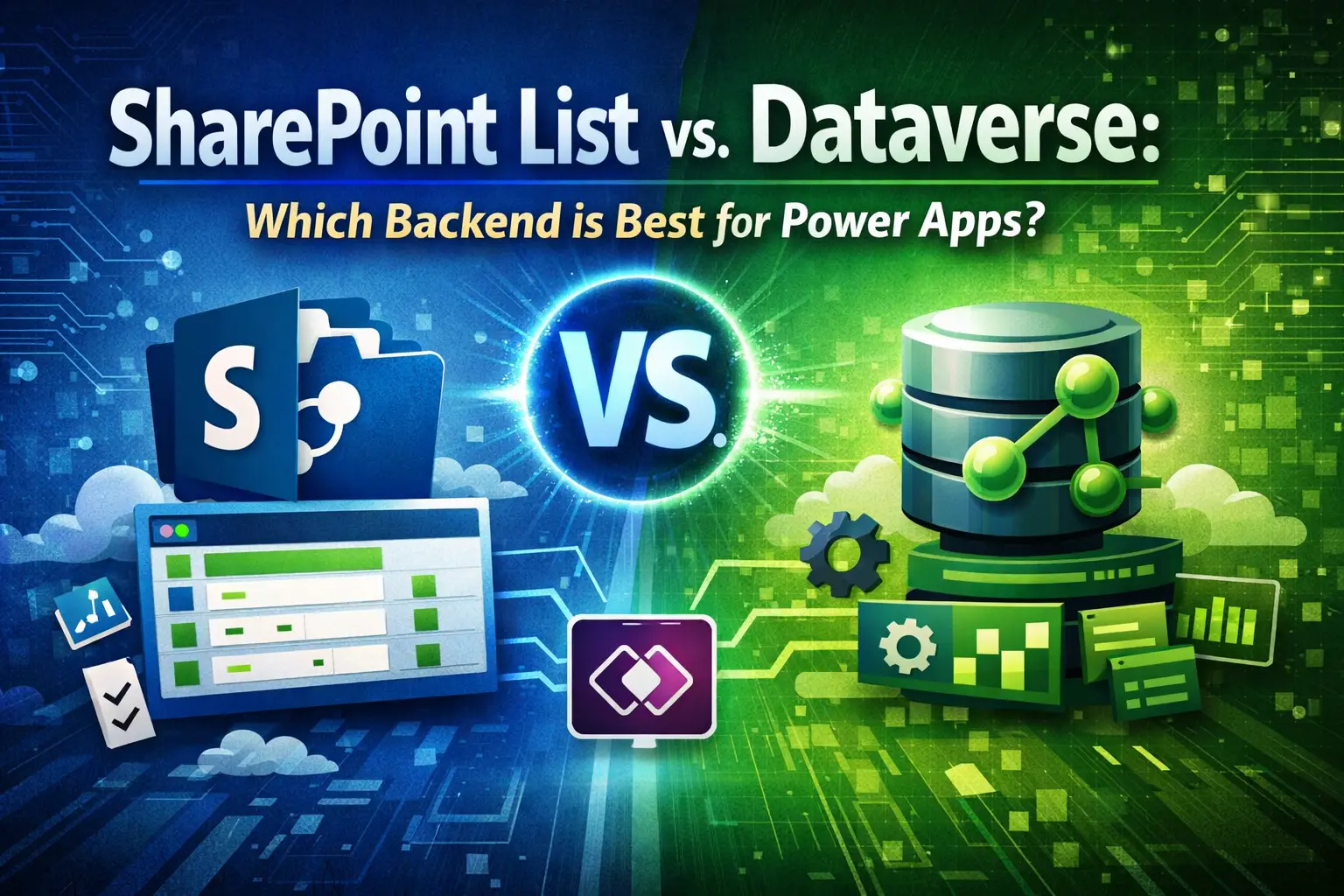
For most small and mid-sized organizations that need to fix several of these at once, the answer is Power Apps on Dataverse. It runs in the cloud, works on any device, has no file size limit, and connects to the Microsoft 365 tools your team already uses. Simpler apps can run on SharePoint lists.
Migrating from Access is a defined, manageable project, not a rip-and-replace crisis. For a full comparison of options, see What Is the Best Replacement for Microsoft Access? and Microsoft Access vs Power Apps. For costs, see our migration cost guide.
When Access Is Still Fine
To be fair: if your database is small, used by a few people in one office, rarely changes, and none of the five limitations above are causing real problems, there’s no urgency to leave. Keep it on a supported version, back it up, and get regular maintenance. Revisit the decision when your needs change.
Hitting one of these limits? Book a free diagnostic and we’ll recommend the fix that fits, whether that’s a repair, a SQL Server back end or a full move to Power Apps.
Frequently Asked Questions
What are the main limitations of Microsoft Access?
The biggest are the 2 GB file size limit, trouble with more than 10 to 15 simultaneous users, corruption from network drops, no mobile or browser access, and no user-level security or audit trail in modern .accdb files.
What is the maximum size of an Access database?
An Access database file can be up to 2 GB, including system objects. Performance usually drops before that. Linking to tables in other files or SQL Server works around the limit.
Is Microsoft Access secure enough for sensitive data?
Not on its own for most regulated industries. Access can encrypt a file with a password, but it lacks user-level and row-level security and audit logging. Sensitive data is better stored in SQL Server or Dataverse.
What should I replace Microsoft Access with?
For most businesses, Power Apps with Dataverse. If your Access screens work well and only the data is struggling, use a SQL Server back end. Simple apps can run on SharePoint lists.
Anthony Passeri, MBA, is the founder of Access Evolved and a certified Microsoft Access Expert with 21+ years of Access and relational database experience. He helps businesses keep critical Access databases running and modernize them to Power Platform or SQL Server. More about Anthony
Talk to an Access Expert
Not sure what this means for your database? Book a free diagnostic call. No sales pitch, just a straight conversation about what makes sense for your situation.
Phone: 623-267-5720
Email: info@accessevolved.com
Access Evolved | 19580 W Indian School Rd, Ste 105 #815, Buckeye, AZ 85396