What Is the Best Replacement for Microsoft Access?
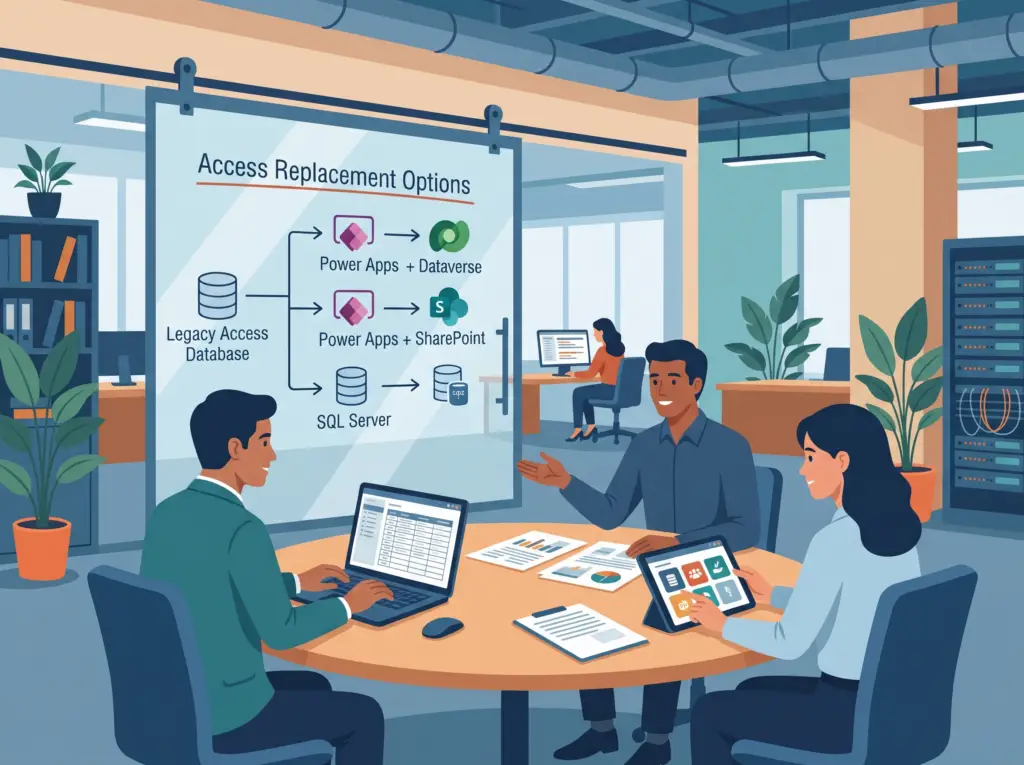
Short answer: For most businesses on Microsoft 365, the best replacement for Microsoft Access is Microsoft Power Apps, paired with Dataverse or SharePoint for the data. However, if you mainly need more capacity and want to keep your Access screens, move the data to SQL Server instead. Outside Microsoft, Airtable, Zoho Creator, and Claris FileMaker serve as the most common alternatives.
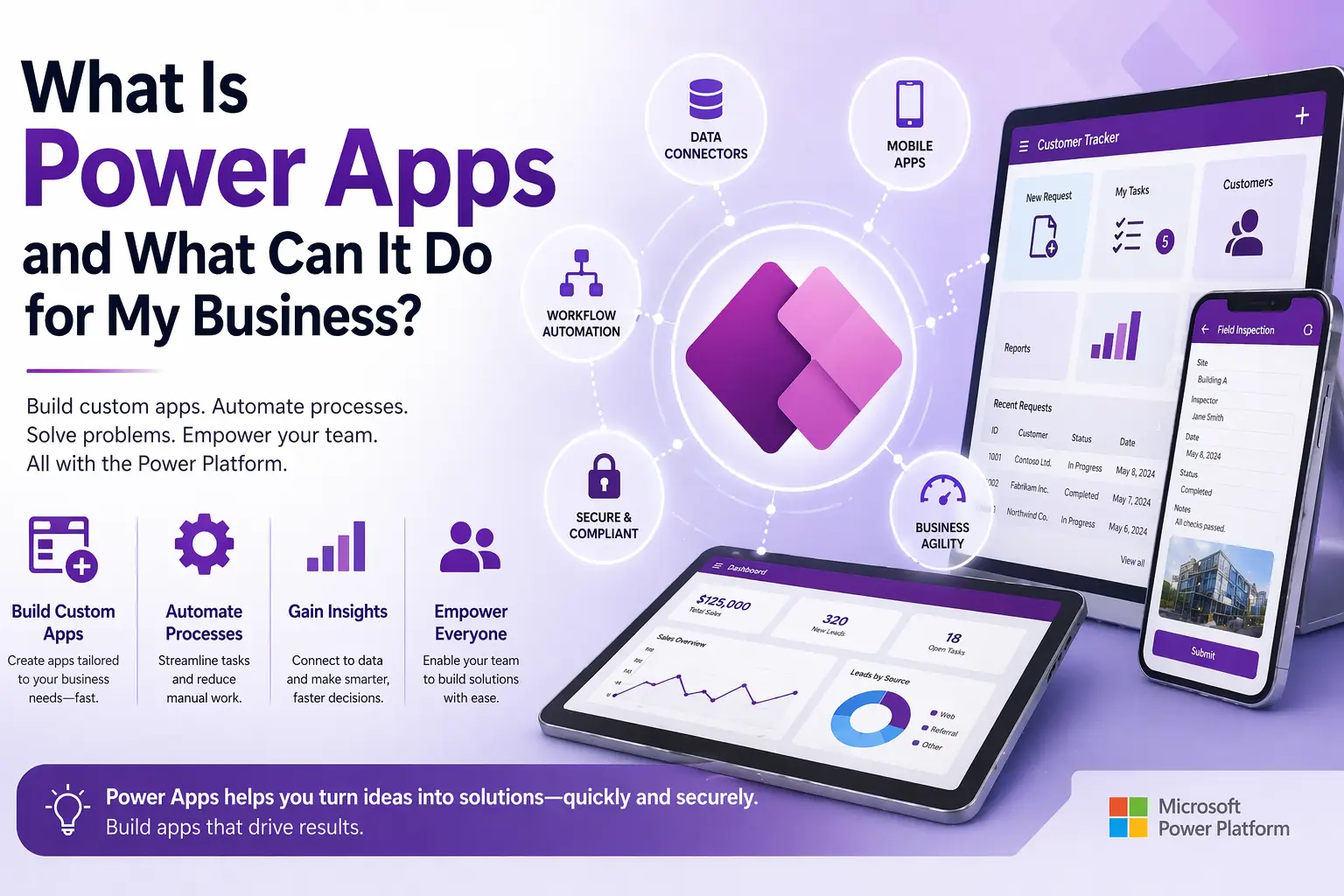
Power Apps is Microsoft’s modern platform for business apps. Specifically, it works with the Microsoft 365 tools many businesses already use, and it lets you rebuild your Access forms and logic as apps that run in a browser, on a phone, or in Microsoft Teams. Still, “best” depends on what’s wrong with your current database, so here’s how the options compare.
First, a reality check: you may not need to replace Access at all. Microsoft actively supports and updates Access, and for a small team in one office it often remains the cheapest tool you’ll own. For more details, see Is Microsoft Access Still Supported? and When Microsoft Access Is Still the Right Tool.
Microsoft Options: Usually the Best Fit
If your business already runs on Microsoft 365, staying in the Microsoft ecosystem usually provides the smoothest path. In fact, you keep the same sign-ins, the same security, and tools that connect directly to Outlook, Teams, and Excel.
| Replacement | Best for | Works on phones | Licensing |
|---|---|---|---|
| Power Apps + Dataverse | Complex data, business rules, security roles, growth | Yes | Power Apps Premium, $20 per user per month (rising to $22 on January 1, 2027) |
| Power Apps + SharePoint lists | Simpler databases with modest data volumes | Yes | Included in most Microsoft 365 business plans |
| SQL Server or Azure SQL (keep Access screens) | Large data, many users, heavy reporting | No (Access stays the front end) | SQL Server Express free up to 10 GB; paid editions above that |
Power Apps With Dataverse
Dataverse offers the strongest all-around replacement for business-critical databases. Specifically, Dataverse handles relationships, business rules, record-level security, and audit history, while Power Apps gives you web and mobile screens. Meanwhile, Power Automate takes over the emails, approvals, and scheduled jobs your VBA used to run. To learn more, see What Is Microsoft Dataverse?
Power Apps With SharePoint Lists
SharePoint Lists offer a lower-cost option for simpler databases. Although most Microsoft 365 business plans include this tier, SharePoint isn’t a true relational database. Consequently, complex data and large volumes eventually run into limits. For a side-by-side breakdown, see SharePoint Lists vs Dataverse.
SQL Server or Azure SQL
SQL Server represents the most underrated option. Basically, your tables move to SQL Server, while your existing Access forms, reports, and VBA keep working. As a result, this approach fixes capacity, reliability, and security without retraining anyone, and you can still move to Power Apps later. For the steps involved, see Access to SQL Server migration.
For a full side-by-side of these three paths, including when to stay in Access, read Power Apps vs SQL Server vs Staying in Access.
Non-Microsoft Alternatives to Access
These can be good choices, especially for businesses that don’t use Microsoft 365:
| Alternative | What it is | Good fit | Watch out for |
|---|---|---|---|
| Airtable | A cloud spreadsheet-database hybrid | Simple tracking and team collaboration | Complex relational logic and large datasets; per-user costs add up |
| Zoho Creator | A low-code app builder with web and mobile apps | Businesses already using Zoho products | Rebuilding Access logic in a different ecosystem |
| Claris FileMaker | A long-standing database platform for Mac and Windows | Mac-based offices that need a desktop database | Separate licensing; smaller developer community |
| LibreOffice Base | A free, open-source desktop database | Very small, budget-limited, single-user needs | No web or mobile access; less polished than Access |
| A custom web app | Software built for you on a standard database | Unique needs at large scale | Highest cost; dependent on the developers who built it |
The trade-off: outside tools require you to manage a second set of logins, security settings, and vendors alongside Microsoft 365. Therefore, for Microsoft 365 businesses, that extra overhead usually tips the decision toward Power Apps or SQL Server.
How to Choose
| If your main problem is… | Consider |
|---|---|
| Bugs, slowness or corruption, with a small team in one office | Fixing Access, not replacing it (maintenance and support) |
| The file is near 2 GB or too many people use it at once | SQL Server, keeping your Access screens |
| People need it on phones, in the field or outside your network | Power Apps |
| Approvals, notifications and handoffs between people | Power Apps with Power Automate |
| You don’t use Microsoft 365 | Airtable, Zoho Creator or FileMaker |
The Hard Part Isn’t the Platform
Whatever you choose, the hardest part of a migration is rarely the technology. It’s untangling years of queries, VBA, and workarounds, and making sure nothing important gets lost. A good migration starts with a review of what your database actually does today, then rebuilds it in stages so your team never loses access to the data they rely on.
For costs, see How Much Does It Cost to Migrate Access to Power Apps? For the process, see Converting an Old Access Database to a Modern Platform and our Access to Power Platform migration service.
Not sure which replacement fits your database? Book a free diagnostic and we’ll recommend the right path, including “keep Access” if that’s the honest answer.
Frequently Asked Questions
What is the best replacement for Microsoft Access?
For Microsoft 365 businesses, Power Apps with Dataverse or SharePoint is usually best. To keep your Access screens while gaining capacity, move the data to SQL Server.
Is there a free alternative to Microsoft Access?
LibreOffice Base is a free desktop database, though it’s less polished and has no web or mobile access. SQL Server Express is also free for databases up to 10 GB and can sit behind your existing Access screens.
Can I convert my Access database to Power Apps automatically?
No. Your data can be moved with Microsoft’s tools, but forms, reports and VBA have to be rebuilt in Power Apps and Power Automate.
Do I have to replace Microsoft Access?
No. Access is still supported in Microsoft 365 and Access 2024. Replace it when you need mobile access, many simultaneous users, stronger security or cloud integration.
Anthony Passeri, MBA, is the founder of Access Evolved and a certified Microsoft Access Expert with 21+ years of Access and relational database experience. He helps businesses keep critical Access databases running and modernize them to Power Platform or SQL Server. More about Anthony
Talk to an Access Expert
Not sure what this means for your database? Book a free diagnostic call. No sales pitch, just a straight conversation about what makes sense for your situation.
Phone: 623-267-5720
Email: info@accessevolved.com
Access Evolved | 19580 W Indian School Rd, Ste 105 #815, Buckeye, AZ 85396
Sources
- Microsoft: New pricing for Power Apps Premium (effective January 1, 2027)
- Microsoft Learn: Power Apps licensing and Microsoft 365 capabilities
The non-Microsoft alternatives are described in general terms without pricing, since their plans change often. Check each vendor’s site before adding specific prices.