Short answer: Access is still a good choice for small teams in one location, existing databases that work well, heavy query and report work, fully offline use, and quick projects built by someone who knows Access well. It stops being the right choice once you need mobile access, many simultaneous users, real security and audit trails, or integration with cloud systems.
This is one of the questions we get asked most, and it deserves a straight answer. Many consultants in the Power Platform world say Power Apps is always the right choice. That isn’t true, and saying so doesn’t help the businesses asking.
Access still has legitimate uses in 2026. It also has clear limits, and choosing it past those limits is a mistake that compounds over time. Here’s both, honestly.
Access Is Not Dead
Microsoft still ships Access with Microsoft 365 and continues to update it. In a July 2026 post on the official Access blog, the Access team said the product continues to receive engineering investment and new features. Microsoft’s biggest investment is in the Power Platform, but Access is supported and still improving. For the full picture, see Is Microsoft Access Being Replaced?
5 Situations Where Access Is Still the Right Tool
1. You Need Complex Queries and Reports, Now
Access has a mature visual query builder and a report designer refined over thirty years. If you need complex multi-table queries, parameter-driven reports or formatted printable output quickly, and you already know Access, the productivity advantage is real. Power Apps isn’t built for complex printed reports, and Power BI fills some of the gap but adds cost (sharing requires Power BI Pro licenses) and complexity.
If your main need is reporting and analysis rather than a multi-user operational app, Access may still be the faster path.
2. You’re One Person or a Small Team in One Place
Access works well for individuals and small teams. If one person owns the database, multi-user limits don’t matter. If nobody needs it on a phone, the lack of a mobile version doesn’t matter. If the process is internal and low-stakes, limited security is manageable.
Access’s problems are almost entirely problems of scale: many users, large data, remote access and compliance. Below that threshold, its simplicity is a genuine advantage.
3. You Have an Existing Access Database That Works
If you have a stable, well-maintained Access database doing its job, the case for migrating it immediately is weaker than the Power Platform world suggests. Migration costs time, money and disruption, and that cost has to be weighed against a real benefit.
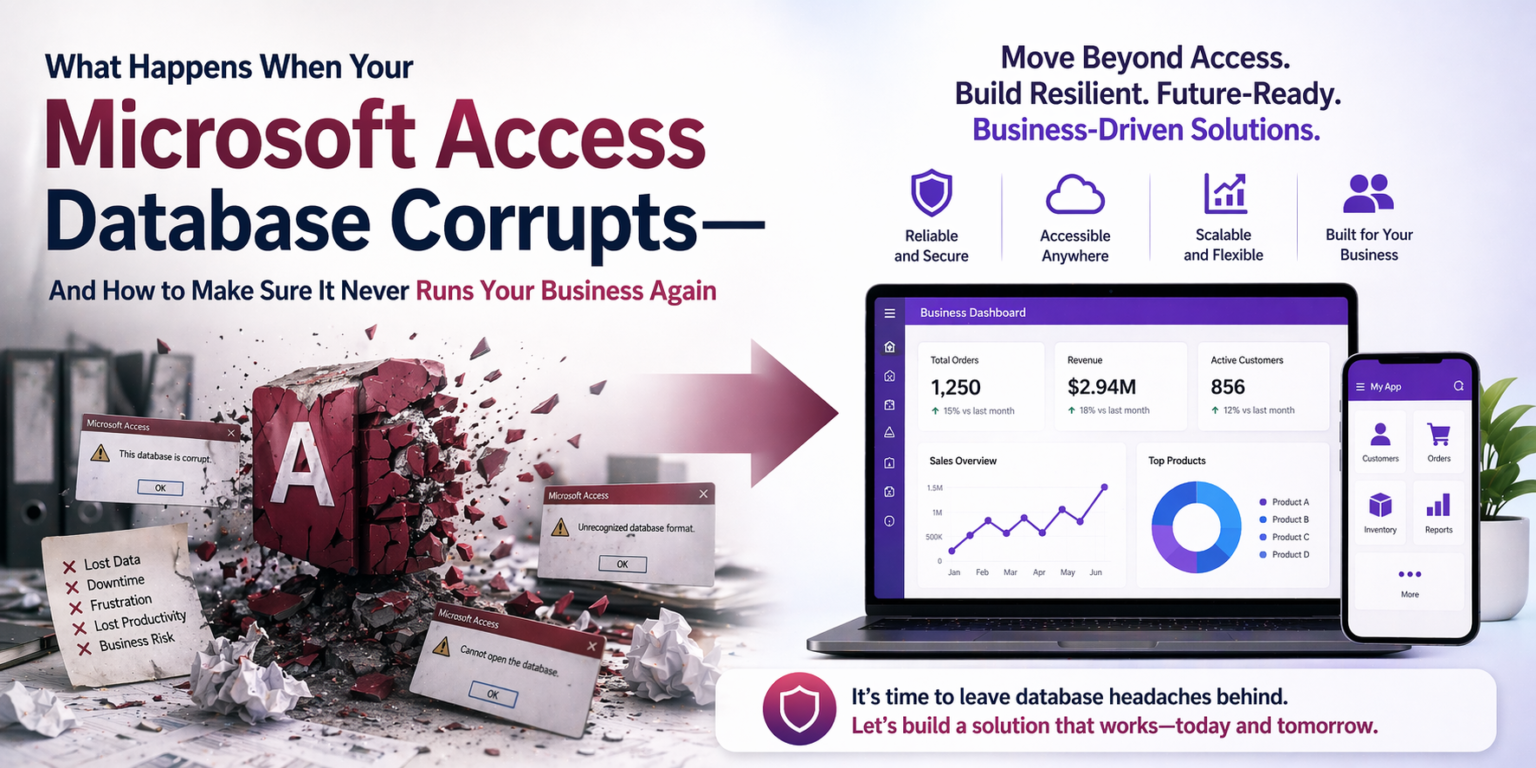
The right question isn’t “should we eventually move off Access?” (usually yes) but “should we move right now?” If the database is stable, the user count is low and nothing critical depends on it running without interruption, a planned migration on your own schedule beats an urgent one forced by a crisis. Keep it healthy with regular maintenance and support.
4. You Work Fully Offline
Power Apps can work offline, but it takes careful design and works best with Dataverse. Access running on a local machine with a local file works with no internet at all: manufacturing floors, remote sites, secure networks with no outside connection. If you truly need fully offline work with complex data, Access remains a practical option.
5. It’s Urgent, Small, and You Know Access Well
Speed matters. If a small problem needs solving this week and you know Access inside and out, building it in Access is a legitimate call. A tool you know is almost always faster than one you’re learning, even if the new one is technically better.
That’s a short-term argument, not a long-term one. But it’s real.
How to Use Access Safely
If Access is the right choice for you, run it well:
- Stay on a supported version. Access 2016 and 2019 lost support in October 2025, and Access 2021 on October 13, 2026. Use Access for Microsoft 365 or Access 2024 (supported until October 2029). See Is Microsoft Access Still Supported?
- Split the database and give each user their own front end.
- Back up nightly to a separate location, and test a restore.
- Keep the back end on a wired file server, never in OneDrive or Dropbox.
- Document how it works, so you’re not dependent on one person.
The full checklist is in How to Keep Your Access Database Safe From Corruption.
When Access Is the Wrong Choice
Access stops being the right tool when any of these apply:
| If you need… | Why Access falls short | Better option |
|---|---|---|
| More than about 10 to 15 people using it at once | A shared file gets fragile, with locking errors and corruption risk | SQL Server back end, or Power Apps on Dataverse |
| Access from phones or outside the office | Windows desktop only; VPN is slow and fragile | Power Apps |
| Different users seeing different records | No user-level or row-level security in modern .accdb files | Dataverse or SQL Server |
| An audit trail of who changed what | Must be built by hand in VBA | Dataverse |
| Connections to Teams, Outlook, QuickBooks or other cloud systems | Each integration is custom VBA or ODBC work | Power Apps with its hundreds of connectors |
| A brand-new app expected to last years | You’d be building on the tool Microsoft isn’t growing | Power Apps |
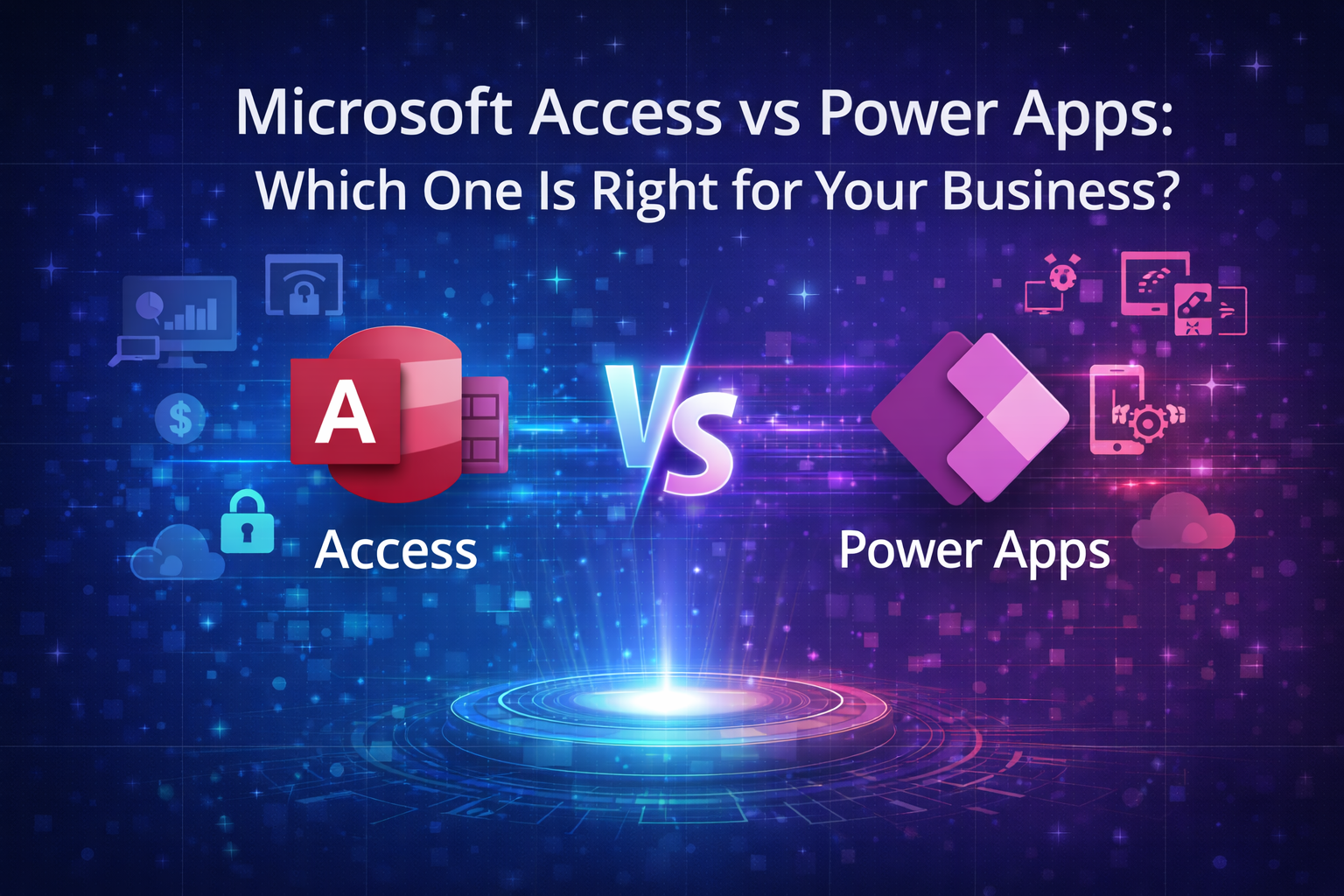
For the full side-by-side comparison, see Microsoft Access vs Power Apps. For a decision guide, see Repair, Upgrade or Replace Your Access Database?
Quick Decision Guide
| Your situation | Recommendation |
|---|---|
| One or two users, local, complex reporting, you know Access | Access is fine, for now |
| Existing stable database, few users, acceptable risk | Stay put, keep it maintained, plan a migration |
| More than 10 to 15 simultaneous users | Move the data to SQL Server, or move to Power Apps |
| Anyone needs mobile or remote access | Power Apps |
| Different permissions or an audit trail are required | Power Apps on Dataverse |
| Building something new from scratch | Power Apps |
The Bottom Line
Access isn’t dead or useless. For a specific and narrowing set of cases (few users, local work, complex reporting, an existing stable database) it remains a legitimate tool. The businesses that should still use Access in 2026 exist; there are just fewer of them each year.
For multi-user, cloud-connected, mobile, compliance-sensitive or brand-new apps, Power Apps is the right answer, and the gap widens with every Power Platform update.
The most expensive mistake isn’t picking one platform over the other. It’s building something significant on Access without understanding its limits, then paying to rebuild it in Power Apps when those limits become unavoidable. We see that pattern regularly, and the right conversation upfront prevents it.
Not sure whether to keep Access or move on? Book a free diagnostic and we’ll give you an honest answer, even if it’s “keep what you have.”
Frequently Asked Questions
Is Microsoft Access still worth using in 2026?
Yes, for small teams in one location, stable existing databases, complex reporting and fully offline work. For mobile access, many users, strong security or cloud integration, Power Apps is the better choice.
Should I build a new database in Access or Power Apps?
For most new business apps, Power Apps. Access can still make sense for small, short-term or single-user projects, especially if you already know it well.
How many users can Access handle?
Microsoft’s specification allows 255 simultaneous users, but in practice a shared Access file gets fragile beyond about 10 to 15 people working at once.
Is Access better than Power Apps for reports?
For complex, formatted, printable reports, Access is often faster to build in. Power BI is stronger for interactive dashboards, but sharing requires Power BI Pro licenses.
Anthony Passeri, MBA, is the founder of Access Evolved and a certified Microsoft Access Expert with 21+ years of Access and relational database experience. He helps businesses keep critical Access databases running and modernize them to Power Platform or SQL Server. More about Anthony
Talk to an Access Expert
Not sure what this means for your database? Book a free diagnostic call. No sales pitch, just a straight conversation about what makes sense for your situation.
Phone: 623-267-5720
Email: info@accessevolved.com
Access Evolved | 19580 W Indian School Rd, Ste 105 #815, Buckeye, AZ 85396