Power Automate

when a microsoft access corrupts
Converting Access Databases, Microsoft Access, Modernizing Access, Power Apps, Power Automate, Power Platform

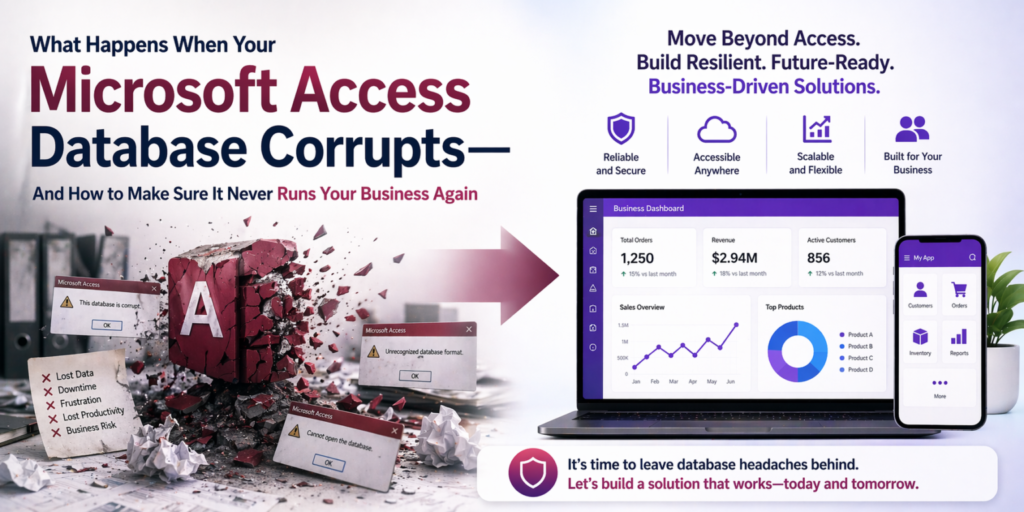
What Happens When Your Microsoft Access Database Corrupts — And How to Make Sure It Never Runs Your Business Again

Is your Microsoft Access database acting strange or taking longer to open? Corruption can sneak up on you, often caused by predictable issues like network drops, improper shutdowns, or too many users accessing a shared file. But don’t worry—there are effective strategies to prevent it! From splitting your database to keeping it updated, our comprehensive guide covers everything you need to know to safeguard your data. If corruption does occur, we provide step-by-step recovery methods to help you get back on track. Don’t let database issues disrupt your business—discover how to protect your Access database today!
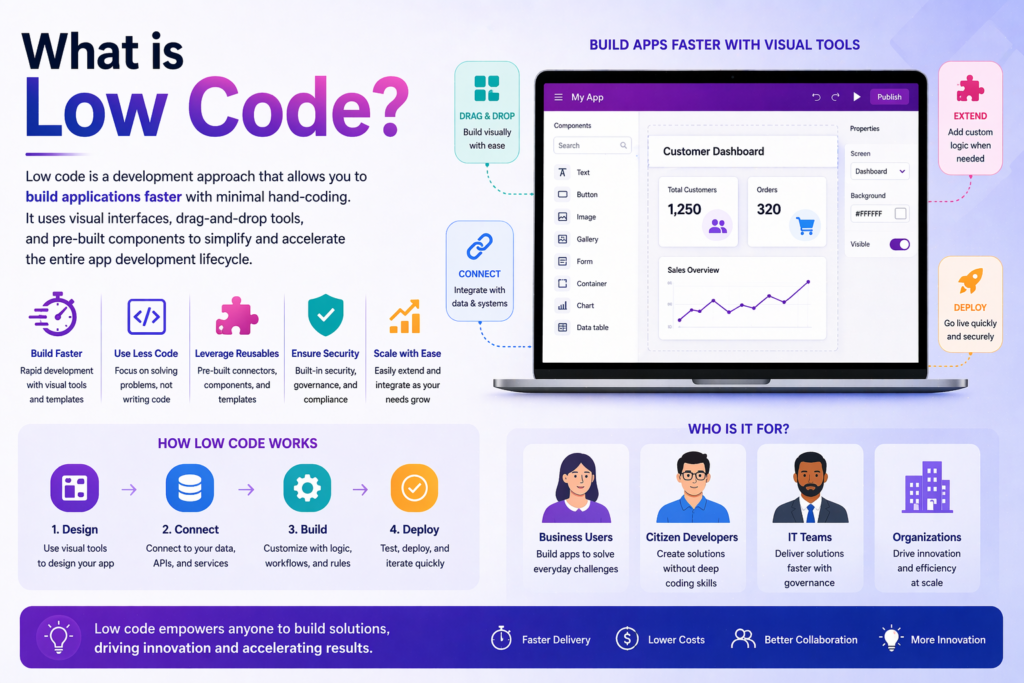
what is low code?
Power Apps, Power Automate

Low-Code Doesn’t Mean Easy: What Microsoft’s Own Marketing Won’t Tell You

Low-code tools like Power Apps promise to simplify app development, but they don’t eliminate the complexities of building effective solutions. While creating simple apps can be quick and accessible, challenges like data modeling, delegation, and security still require careful planning and expertise. Many projects falter due to overlooked details, leading to frustration and abandoned applications. Understanding the true implications of “low-code” is crucial for success. Discover the common pitfalls and learn how to navigate the landscape of low-code development effectively, ensuring your Power Apps projects thrive rather than languish in obscurity.

healthcare companies using power apps - use cases
Power Apps, Power Automate

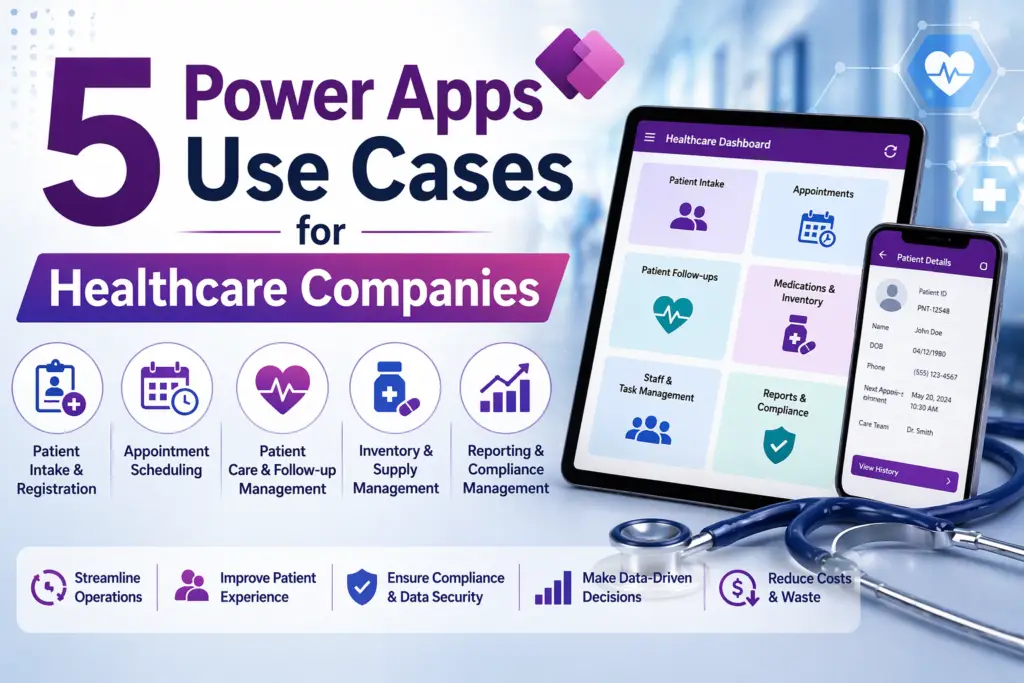
5 Power Apps Use Cases for Healthcare Organizations

In the fast-paced world of healthcare, managing documentation, compliance, and communication can be overwhelming. Power Apps offers innovative solutions that streamline these processes, allowing healthcare organizations to focus more on patient care. From incident reporting to staff credential tracking, these apps fill the administrative gaps left by traditional EHR systems. Imagine reducing paperwork and enhancing efficiency with tailored applications that support HIPAA compliance. Discover how Power Apps can transform your healthcare operations and improve patient experiences. Dive into our detailed exploration of five impactful use cases that can revolutionize your organization’s workflow and compliance efforts.

power automate tips and tricks
Power Automate

Top 10 Power Automate Tricks That Save Small Businesses Hours Every Week

Unlock the full potential of Power Automate with these top 10 tricks that can save your small business hours each week! From filtering data before looping to running independent steps in parallel, these tips are designed to streamline your workflows and enhance efficiency. Discover how to set up error alerts, track results with variables, and utilize dynamic dates to keep your processes running smoothly. Whether you’re a seasoned user or just starting, these little-known features can transform your automation experience. Don’t let basic email notifications hold you back—dive into the world of Power Automate and revolutionize your business operations!

Access Evolved Microsoft Access Consultant
Power Apps, Power Automate, Power Platform

10 Signs Your Business Is Ready for Power Apps

Is your business still relying on shared Excel files, paper forms, or email approvals? If so, it might be time to explore Power Apps! This powerful tool can transform your processes, making them more efficient and reliable. Discover the ten signs that indicate your business is ready to harness the power of Power Apps. From eliminating double data entry to providing field staff with instant access to information, Power Apps can streamline your operations and save you time and money. Ready to take the next step? Read on to find out how to identify the best process to automate first!

how to automate sharepoint with power platform
Power Automate, SharePoint

Automating SharePoint with Power Automate

Unlock the full potential of SharePoint with Power Automate! Imagine transforming your passive document storage into an active business process platform that automatically responds to changes, sends notifications, and streamlines approvals—all without needing custom code. From automating approval workflows to syncing data across systems, Power Automate makes it easy to enhance your SharePoint experience. Discover six high-impact automations that can save time and reduce manual tasks, and learn how to get started without feeling overwhelmed. Dive into the world of automation and see how it can revolutionize your team’s productivity and efficiency!

Scroll to Top