
Converting Access Databases

when the access developer leaves
Converting Access Databases, Documentation

What Happens When the Person Who Built Your Access Database Leaves?

What happens when the person who built your Access database leaves? This common scenario can leave your business vulnerable, as critical knowledge about the database often resides solely with that individual. Hidden dependencies, undocumented workarounds, and complex VBA routines can create a single point of failure. If you’re relying on one person to manage your database, it’s time to take action. Discover how to safeguard your business by documenting your Access database before it’s too late. Learn the essential steps to ensure continuity and stability, and explore options for migrating to a more robust platform. Don’t wait for the resignation letter!
Access Evolved Microsoft Access Consultant
Converting Access Databases, Microsoft Access, Modernizing Access

What is the best replacement for Microsoft Access?

Are you considering a replacement for Microsoft Access? For businesses using Microsoft 365, Power Apps paired with Dataverse or SharePoint is often the best choice, allowing you to modernize your applications while maintaining familiar functionality. However, if you’re facing issues like capacity limits or need mobile access, SQL Server might be the solution. Explore non-Microsoft alternatives like Airtable and Zoho Creator for unique needs. The migration process can be complex, but with the right guidance, you can ensure a smooth transition. Discover the best path for your database and learn how to navigate this critical decision.

when a microsoft access corrupts
Converting Access Databases, Microsoft Access, Modernizing Access, Power Apps, Power Automate, Power Platform

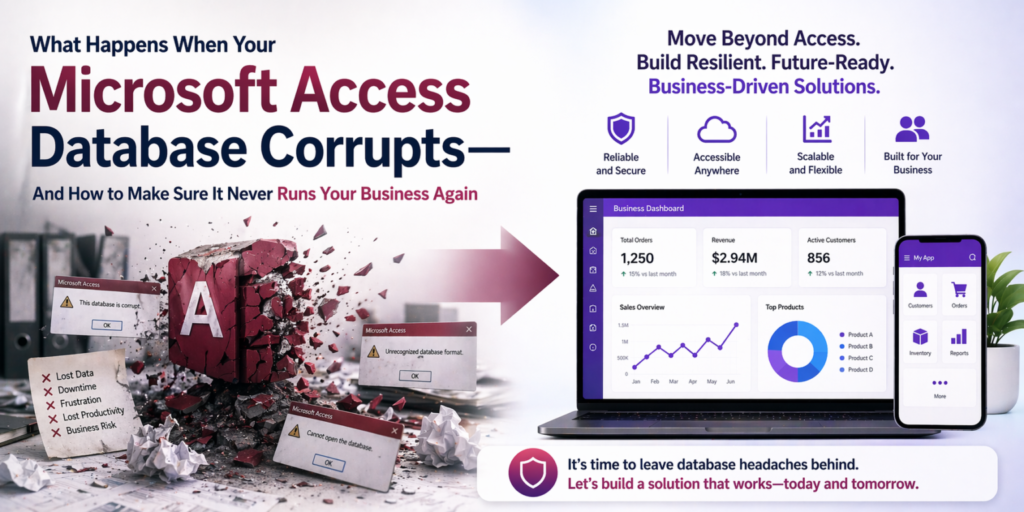
What Happens When Your Microsoft Access Database Corrupts — And How to Make Sure It Never Runs Your Business Again

Is your Microsoft Access database acting strange or taking longer to open? Corruption can sneak up on you, often caused by predictable issues like network drops, improper shutdowns, or too many users accessing a shared file. But don’t worry—there are effective strategies to prevent it! From splitting your database to keeping it updated, our comprehensive guide covers everything you need to know to safeguard your data. If corruption does occur, we provide step-by-step recovery methods to help you get back on track. Don’t let database issues disrupt your business—discover how to protect your Access database today!

Access Evolved Microsoft Access Consultant
Converting Access Databases, Microsoft Access

Your Microsoft Access Database Is Running Out of Time — Here’s What to Do

Is your Microsoft Access database nearing its end of support? With Microsoft ending support for Access 2016 and 2019 in October 2025, and Access 2021 on October 13, 2026, it’s crucial to act now. Unsupported software poses significant risks, including security vulnerabilities and compliance issues. Whether you choose to upgrade to Access for Microsoft 365, migrate to SQL Server, or transition to Power Apps, having a plan is essential. Discover your options and learn how to ensure your business remains secure and efficient. Don’t wait until it’s too late—explore the best path forward for your database today!

how much to migrate access to power platform
Converting Access Databases, Microsoft Access, Power Apps

Cost to Migrate Access to Power Apps

Migrating your Access database to Power Apps can transform your business operations, but understanding the costs involved is crucial. Most migrations range from $6,000 to over $75,000, depending on complexity. Simple databases may cost as little as $6,000, while complex legacy systems can exceed $30,000. Factors like the number of tables, VBA code, and data quality significantly influence pricing. Additionally, ongoing licensing costs for Power Apps must be considered. Ready to discover how to make an informed decision? Dive into our detailed guide to learn what drives these costs and how to get an accurate quote for your migration project.

Access Evolved Microsoft Access Consultant
Converting Access Databases, Microsoft Access, Modernizing Access

Converting an Old Microsoft Access Database to a Modern Platform

Converting a legacy Microsoft Access database is a pivotal decision for small and mid-sized organizations. A successful migration can eliminate years of technical debt, enabling mobile access, real-time collaboration, and modern integrations. However, a poorly executed transition can disrupt operations and result in lost knowledge. This guide outlines essential steps, from assessing whether migration is necessary to choosing the right platform and cleaning your data. With insights on best practices and potential pitfalls, you’ll be equipped to navigate the complexities of migration and unlock the full potential of your data in a modern environment. Discover how to transform your database today!

Scroll to Top