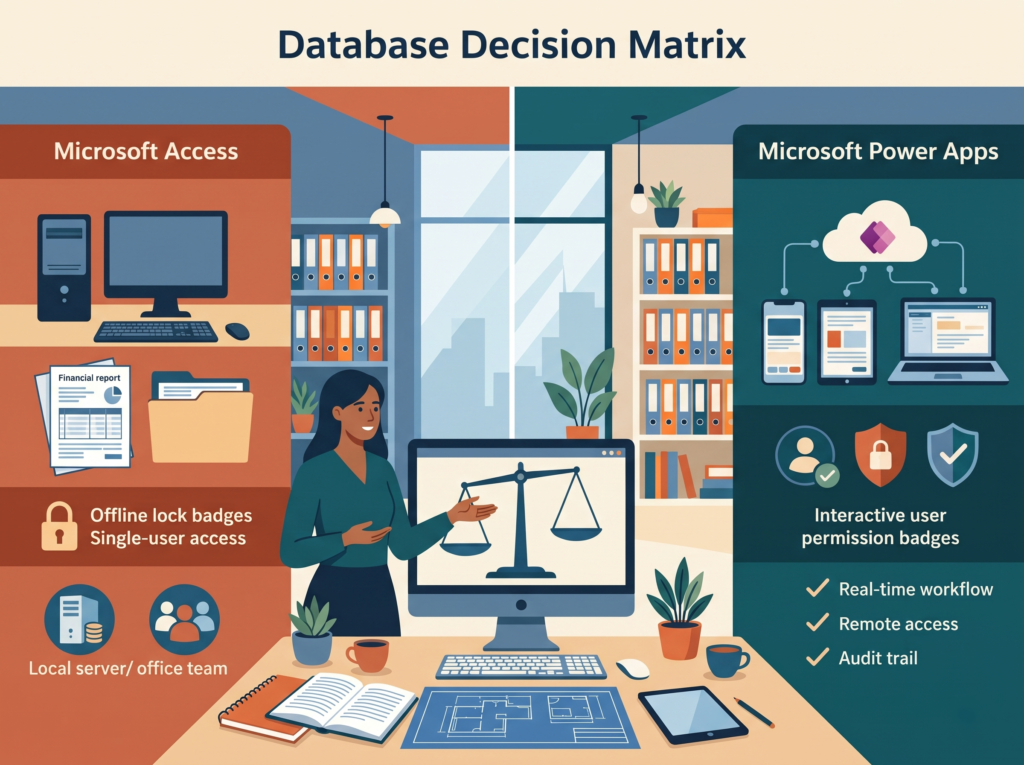
Short answer: Choosing Microsoft Access instead of Power Apps still makes sense for small teams in one location, existing databases that run smoothly, heavy query and report work, fully offline environments, and urgent projects built by someone who knows Access well. However, Access stops being the right choice once you need mobile access, many simultaneous users, strict security and audit trails, or deep cloud integration.
This is one of the questions we hear most often, and it deserves a straight answer. Many consultants in the Power Platform ecosystem claim Power Apps is always the right choice. Honestly, that isn’t true—and saying so doesn’t help the businesses asking.
Microsoft Access still holds legitimate strengths in 2026. At the same time, it carries clear technical limits, and pushing it past those boundaries creates expensive headaches that compound over time. Here is both sides of the story.
Access Is Not Dead
Microsoft still ships Access with Microsoft 365 business plans and continues to ship regular updates. In fact, in a July 2026 post on the official Access blog, the Access engineering team confirmed that the product continues to receive engineering investment and new features. While Microsoft’s largest cloud investments focus on the Power Platform, Access remains actively supported and evolving. For the full picture, see Is Microsoft Access Being Replaced?
5 Situations to Use Microsoft Access Instead of Power Apps
1. You Need Complex Queries and Reports, Now
Access features a mature visual query builder and a report designer refined over thirty years. Therefore, if you need complex multi-table queries, parameter-driven reports, or formatted printable output quickly—and you already know Access—the productivity advantage is unmistakable. By contrast, Power Apps isn’t built for complex printed layouts, and while Power BI fills part of that gap, sharing requires Power BI Pro licenses and adds setup complexity.
If your primary goal involves reporting and analysis rather than a multi-user operational app, Access often remains the faster path.
2. You’re One Person or a Small Team in One Place
Access works remarkably well for individuals and small local teams. Specifically, if one person owns the database, multi-user limits never come into play. Similarly, if nobody needs mobile access on a phone, lacking a native mobile app doesn’t matter. And if the workflow is internal and low-stakes, basic file-level security stays manageable.
Nearly all of Access’s weaknesses stem from scale: high user counts, massive datasets, remote access, and strict compliance. Below that threshold, its simplicity acts as a genuine advantage.
3. You Have an Existing Access Database That Works
If you already rely on a stable, well-maintained Access database doing its job every day, the case for migrating immediately is far weaker than many Power Platform vendors suggest. Every migration costs time, budget, and operational disruption, so you must weigh that expense against a concrete business benefit.
Consequently, the right question isn’t “should we eventually move off Access?” (usually yes) but “should we move right now?” If your database runs reliably, your user count stays low, and nothing mission-critical depends on round-the-clock cloud uptime, a planned migration on your own schedule beats an urgent rebuild triggered by a crisis. In the meantime, keep it healthy with regular maintenance and support.
4. You Work Fully Offline
Although Power Apps supports offline modes, building reliable offline sync takes careful engineering and works best with Dataverse. Conversely, Access running on a Windows PC with a local file works with zero internet connection—making it ideal for manufacturing floors, remote field sites, and isolated secure networks. If you truly require fully offline work with complex relational data, choosing Microsoft Access instead of Power Apps remains a practical call.
5. It’s Urgent, Small, and You Know Access Well
Speed matters in daily operations. If a small departmental problem needs solving this week and you know Access inside and out, building it in Access is a completely valid move. Simply put, a tool you already master delivers results far faster than one you are learning from scratch, even when the newer platform offers broader capabilities.
Of course, that represents a short-term tactical advantage rather than a long-term architectural strategy—yet in real businesses, it matters.
How to Use Access Safely
If Access is the right choice for you, run it well:
- Stay on a supported version. Access 2016 and 2019 lost support in October 2025, and Access 2021 on October 13, 2026. Use Access for Microsoft 365 or Access 2024 (supported until October 2029). See Is Microsoft Access Still Supported?
- Split the database and give each user their own front end.
- Back up nightly to a separate location, and test a restore.
- Keep the back end on a wired file server, never in OneDrive or Dropbox.
- Document how it works, so you’re not dependent on one person.
The full checklist is in How to Keep Your Access Database Safe From Corruption.
When Access Is the Wrong Choice
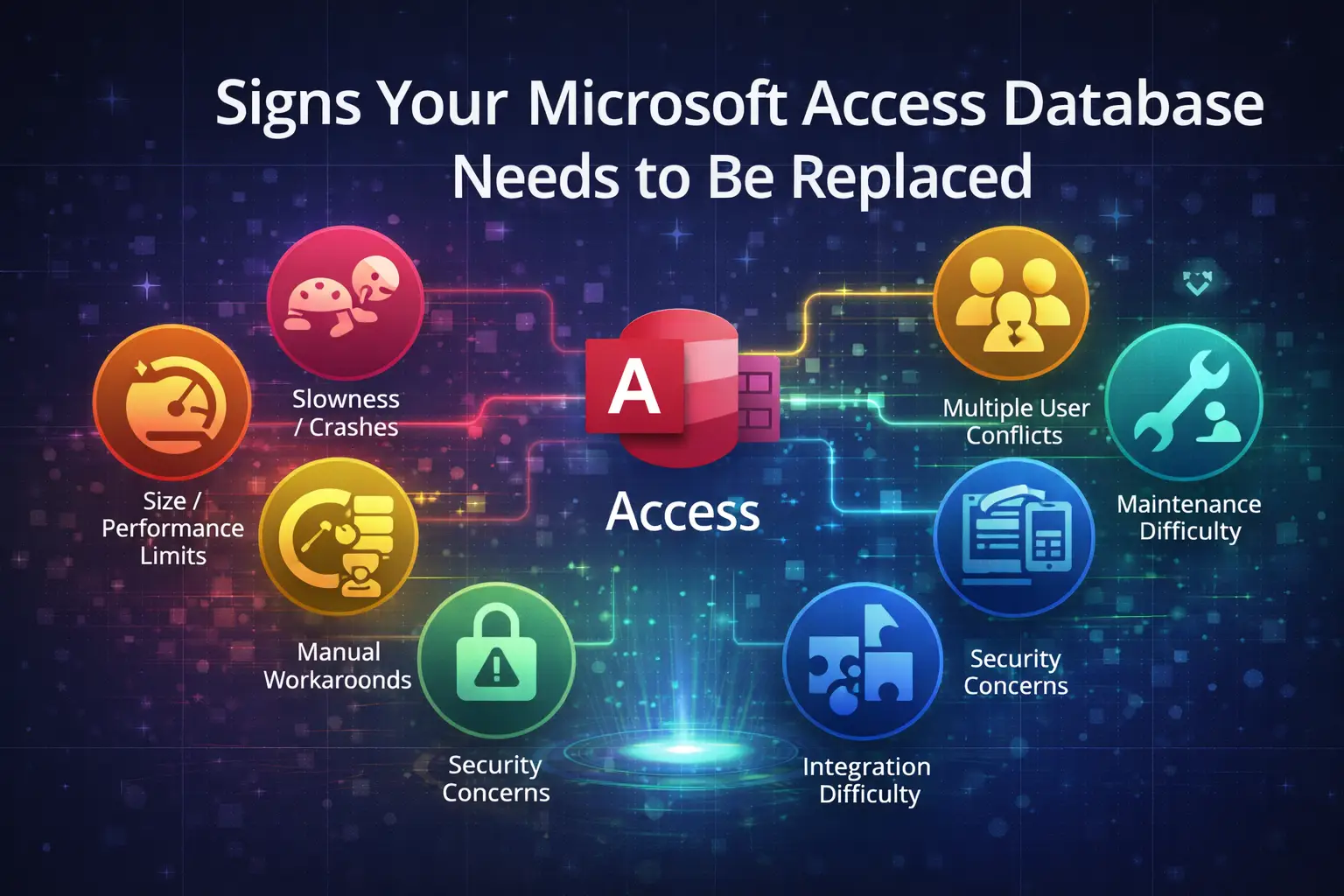
Access stops being the right tool when any of these apply:
| If you need… | Why Access falls short | Better option |
|---|---|---|
| More than about 10 to 15 people using it at once | A shared file gets fragile, with locking errors and corruption risk | SQL Server back end, or Power Apps on Dataverse |
| Access from phones or outside the office | Windows desktop only; VPN is slow and fragile | Power Apps |
| Different users seeing different records | No user-level or row-level security in modern .accdb files | Dataverse or SQL Server |
| An audit trail of who changed what | Must be built by hand in VBA | Dataverse |
| Connections to Teams, Outlook, QuickBooks or other cloud systems | Each integration is custom VBA or ODBC work | Power Apps with its hundreds of connectors |
| A brand-new app expected to last years | You’d be building on the tool Microsoft isn’t growing | Power Apps |
For the full side-by-side comparison, see Microsoft Access vs Power Apps. For a decision guide, see Repair, Upgrade or Replace Your Access Database?
Quick Decision Guide
| Your situation | Recommendation |
|---|---|
| One or two users, local, complex reporting, you know Access | Access is fine, for now |
| Existing stable database, few users, acceptable risk | Stay put, keep it maintained, plan a migration |
| More than 10 to 15 simultaneous users | Move the data to SQL Server, or move to Power Apps |
| Anyone needs mobile or remote access | Power Apps |
| Different permissions or an audit trail are required | Power Apps on Dataverse |
| Building something new from scratch | Power Apps |
The Bottom Line
Access isn’t dead or useless. For a specific and narrowing set of cases (few users, local work, complex reporting, an existing stable database) it remains a legitimate tool. The businesses that should still use Access in 2026 exist; there are just fewer of them each year.
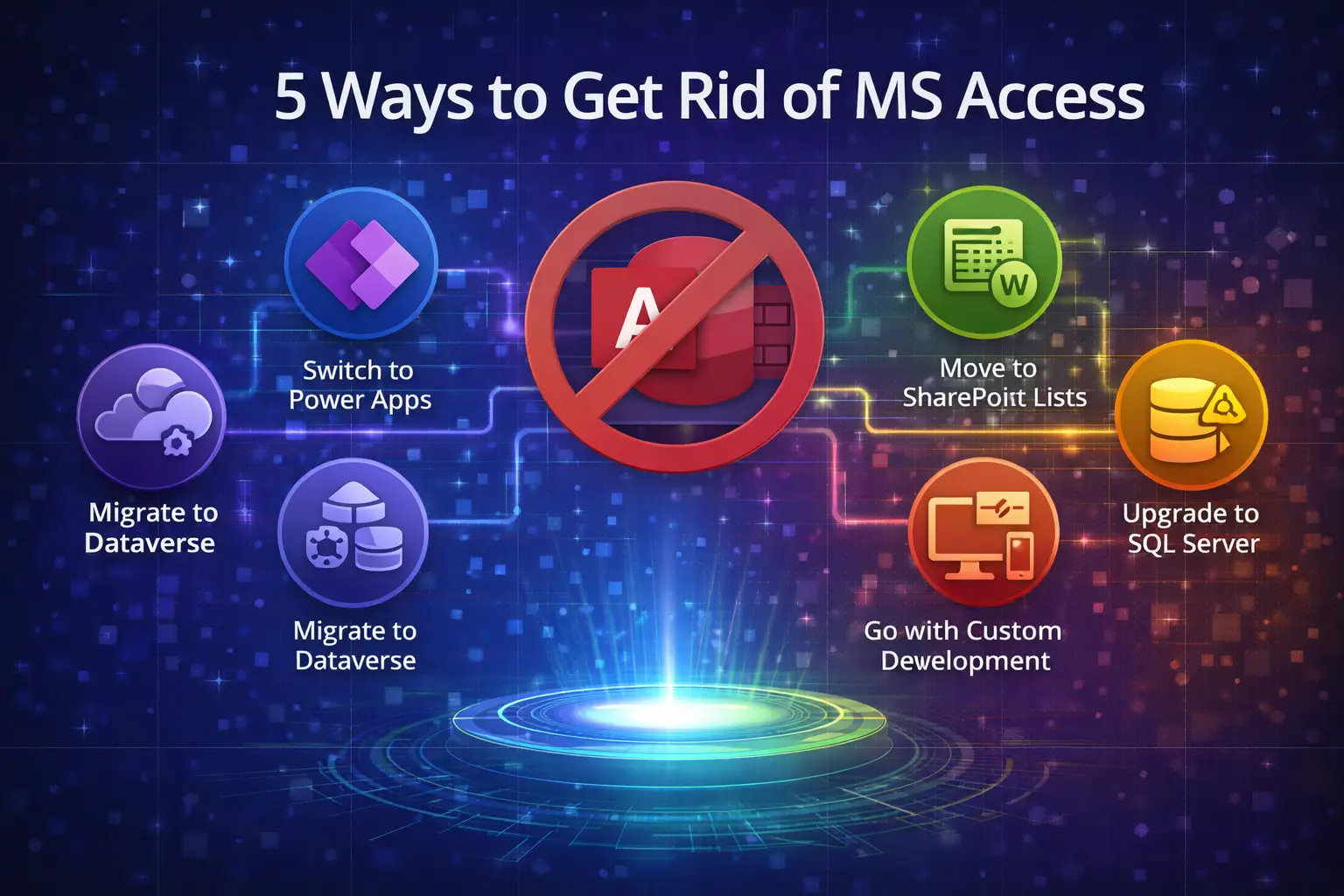
For multi-user, cloud-connected, mobile, compliance-sensitive or brand-new apps, Power Apps is the right answer, and the gap widens with every Power Platform update.
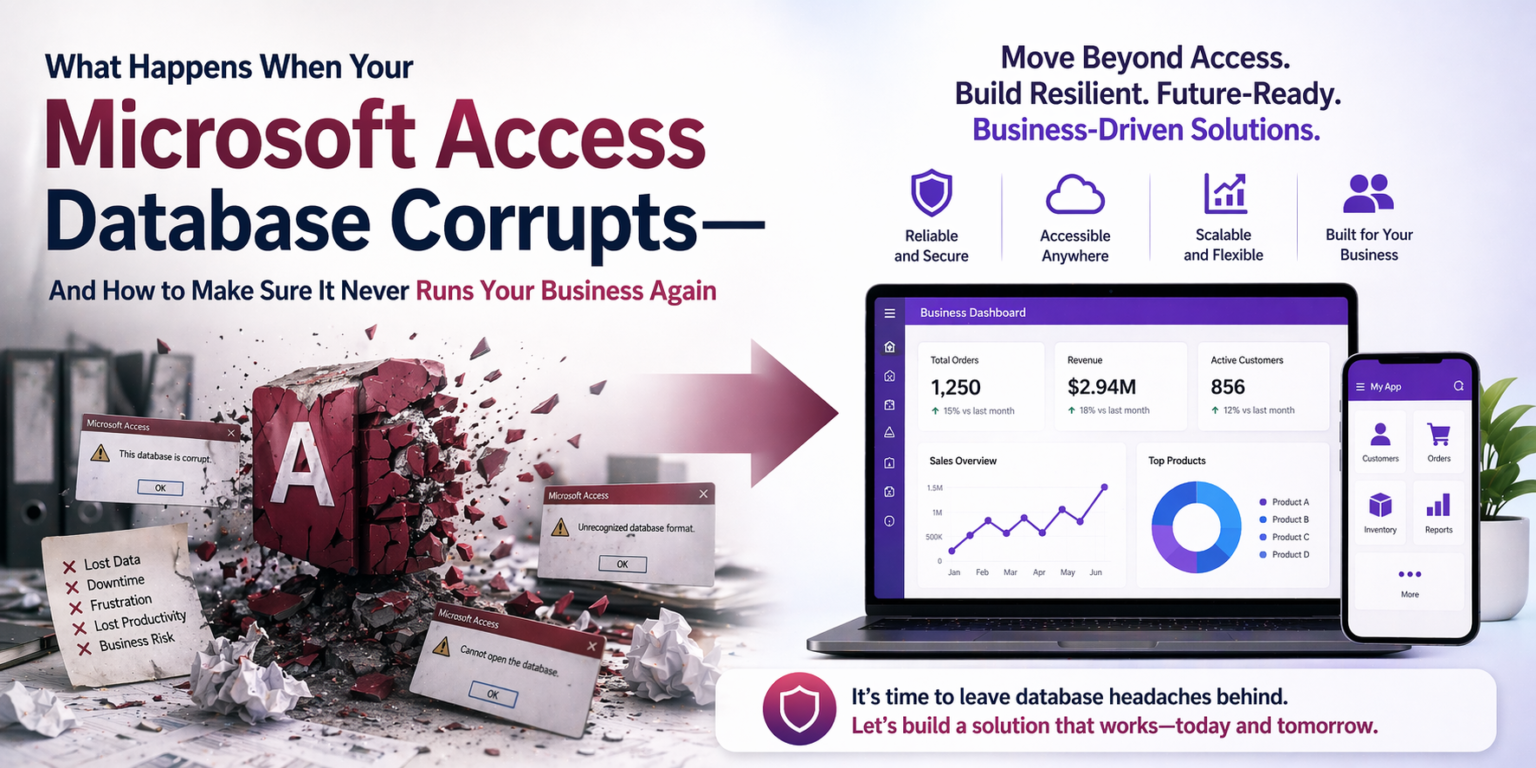
The most expensive mistake isn’t picking one platform over the other. It’s building something significant on Access without understanding its limits, then paying to rebuild it in Power Apps when those limits become unavoidable. We see that pattern regularly, and the right conversation upfront prevents it.
Not sure whether to keep Access or move on? Book a free diagnostic and we’ll give you an honest answer, even if it’s “keep what you have.”
Frequently Asked Questions
Is Microsoft Access still worth using in 2026?
Yes, for small teams in one location, stable existing databases, complex reporting and fully offline work. For mobile access, many users, strong security or cloud integration, Power Apps is the better choice.
Should I build a new database in Access or Power Apps?
For most new business apps, Power Apps. Access can still make sense for small, short-term or single-user projects, especially if you already know it well.
How many users can Access handle?
Microsoft’s specification allows 255 simultaneous users, but in practice a shared Access file gets fragile beyond about 10 to 15 people working at once.
Is Access better than Power Apps for reports?
For complex, formatted, printable reports, Access is often faster to build in. Power BI is stronger for interactive dashboards, but sharing requires Power BI Pro licenses.
Anthony Passeri, MBA, is the founder of Access Evolved and a certified Microsoft Access Expert with 21+ years of Access and relational database experience. He helps businesses keep critical Access databases running and modernize them to Power Platform or SQL Server. More about Anthony
Talk to an Access Expert
Not sure what this means for your database? Book a free diagnostic call. No sales pitch, just a straight conversation about what makes sense for your situation.
Phone: 623-267-5720
Email: info@accessevolved.com
Access Evolved | 19580 W Indian School Rd, Ste 105 #815, Buckeye, AZ 85396
Sources
- Microsoft Access blog: A Personal Note to the Access Community (July 2026)
- Microsoft Support: Access specifications (255 concurrent users, 2 GB)
- Microsoft Lifecycle: Office LTSC 2024
- Microsoft Fabric Community: Power BI Pro licensing