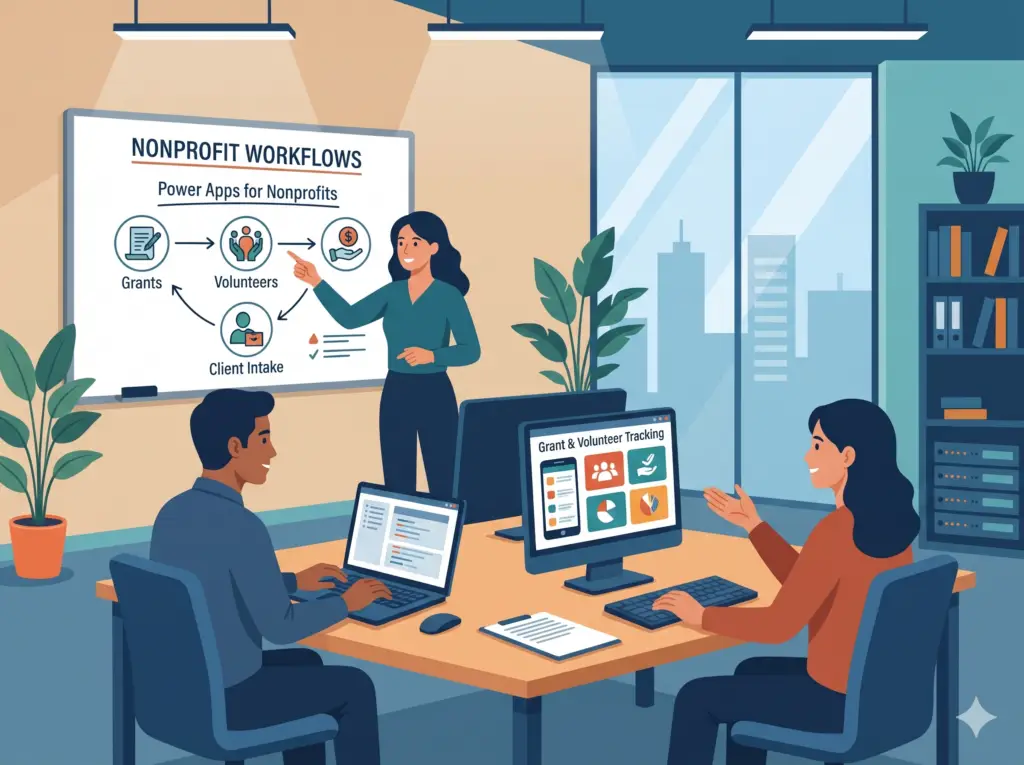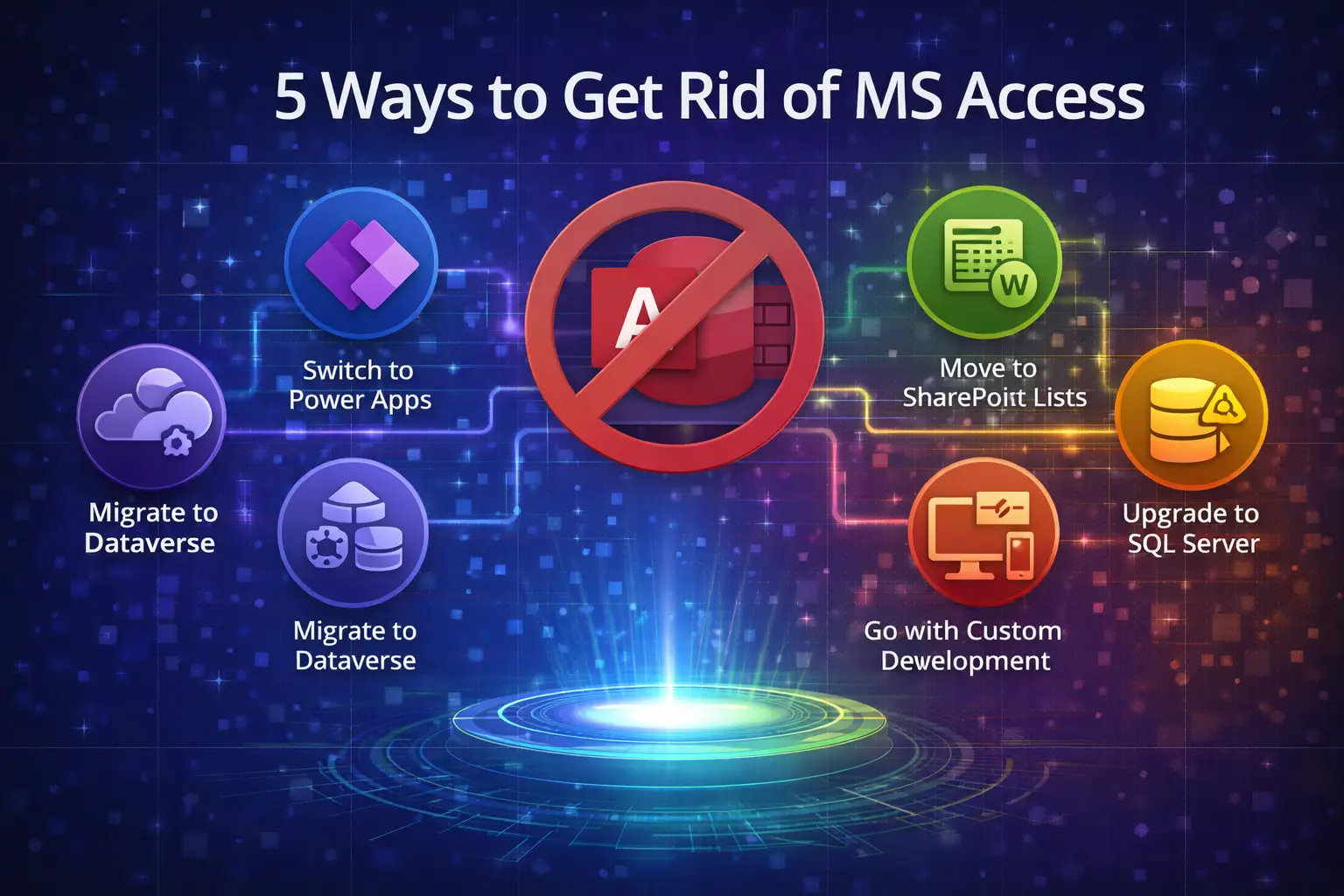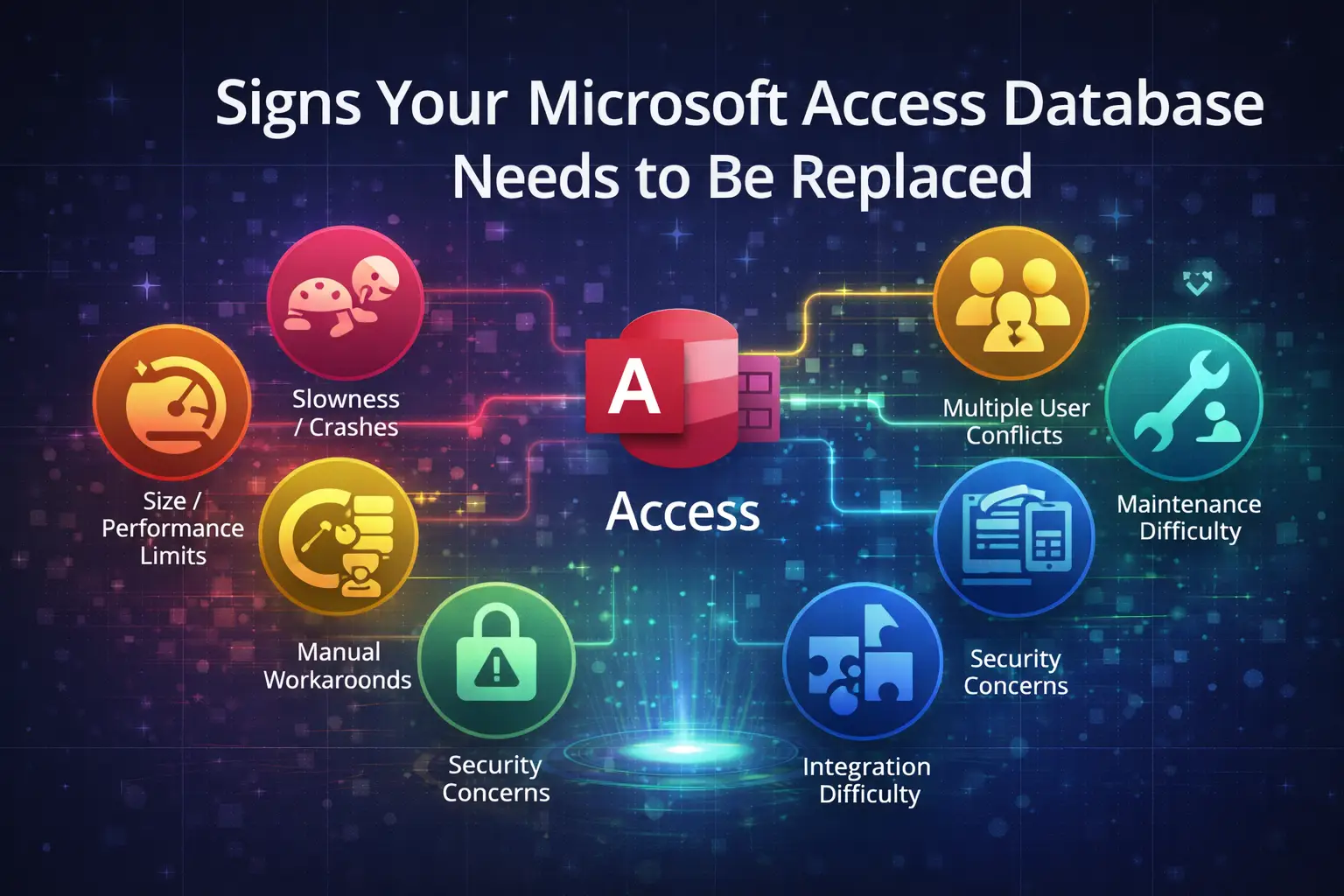
Nonprofits do complicated work with small teams: grants, donors, volunteers, clients, and reporting to funders. Too often it all lives in spreadsheets, an aging Access database, or one staff member’s memory. Implementing Power Apps for nonprofits and Power Automate can replace much of that manual tracking without a large software budget.
Implementing Power Apps for nonprofits and Power Automate can replace much of that visual manual tracking without a large software budget. Microsoft also offers discounted, and in some cases donated, licensing to eligible organizations (including free Power Apps for up to 10 users), so check your current eligibility first. For a plain-English look at pricing, see how much a Power Apps project costs. Here are five places to start.
1. Grant tracking and reporting using Power Apps for nonprofits
The problem: Award amounts, restrictions, and reporting dates are scattered across files, and a missed report can jeopardize future funding.
The app: A central record for each grant with the funder, amount, restrictions, reporting schedule, and a link to the award letter. Power Automate sends reminders at 60, 30, and 7 days before each deadline to the grant owner and the director. Program staff can log spending against each grant and see the remaining balance.
2. Volunteer management with Power Apps for nonprofits
The problem: Sign-ups, availability, hours, and background-check status live in separate lists.
The app: A volunteer registry with shifts, hour logging from a phone, and automatic reminders before each shift. Coordinators see who is available and who is overdue for training, and annual hour totals come out of the system instead of a scramble. Many simple Power Automate flows can handle the reminders.
3. Client intake and case notes
The problem: Intake forms are paper or generic web forms, then retyped into a spreadsheet. Sensitive information is hard to keep secure.
The app: A guided intake form with required fields and role-based security, so each staff member sees only the clients and fields they should. Follow-ups are assigned and tracked, and case notes are entered once instead of recopied. Our post on Power Apps use cases for healthcare organizations covers similar intake and security patterns that apply to social services.
4. Donor and event tracking
The problem: Donations, pledges, and event attendance are tracked in several places, and thank-you notes depend on someone remembering.
The app: A lightweight donor record linked to gifts, pledges, and events, with automated acknowledgment emails and a dashboard of giving trends. This does not need to replace a full fundraising platform. It can fill the gaps around the one you already use.
5. Program outcomes and funder reports
The problem: Funders want outcomes data, and staff spend days assembling it from different sources before every report.
The app: Program data captured consistently as work happens, with Power BI dashboards that produce funder-ready numbers on demand. Reporting becomes a refresh instead of a project.
What to consider before building Power Apps for nonprofits
Begin with the one process that costs your team the most time or carries the most risk, usually grants or intake. Build that well, then expand. Small, working apps beat an ambitious system that never launches. A common first decision is where the data lives, and SharePoint Lists or Dataverse? walks through the trade-offs. Not sure you’re ready? Check 10 signs your business is ready for Power Apps.
Modernizing nonprofit operations with the Power Platform
We’ve helped nonprofits move off fragile Access databases and spreadsheets onto Power Apps and SharePoint, with documentation so the next staff transition is painless. If an old database is what’s holding you back, learn about migrating Access to the Power Platform, or see how one organization did it in our modernization case study.
Ready to see what this could look like for your organization? Book a free diagnostic or visit our Power Apps development page.
Related reading
- The Case for Power Apps
- My Business Is Running on Excel and It’s a Mess. Now What?
- 5 Power Apps Use Cases for Construction Companies