Short answer: If you are asking what is Power Apps, it is Microsoft’s low-code platform for building custom business applications—including intake forms, record systems, approval workflows, and live dashboards—without hiring a software development team. These apps run natively on phones, tablets, and computers, connect to your existing company data, and often cost nothing extra to start if you already use Microsoft 365.
If you keep hearing about Power Apps and wondering whether it makes sense for your company, this guide is for you. You won’t find heavy technical jargon here, nor do we assume you already understand the broader Microsoft Power Platform. Instead, here is a plain-English look at how Power Apps works, who benefits most, and how to decide whether it deserves your attention.
The One-Sentence Version
Power Apps is a Microsoft tool that lets you build custom business applications without hiring a software development team or buying expensive enterprise software.
That’s the core idea—everything else is simply practical detail.
The Slightly Longer Version
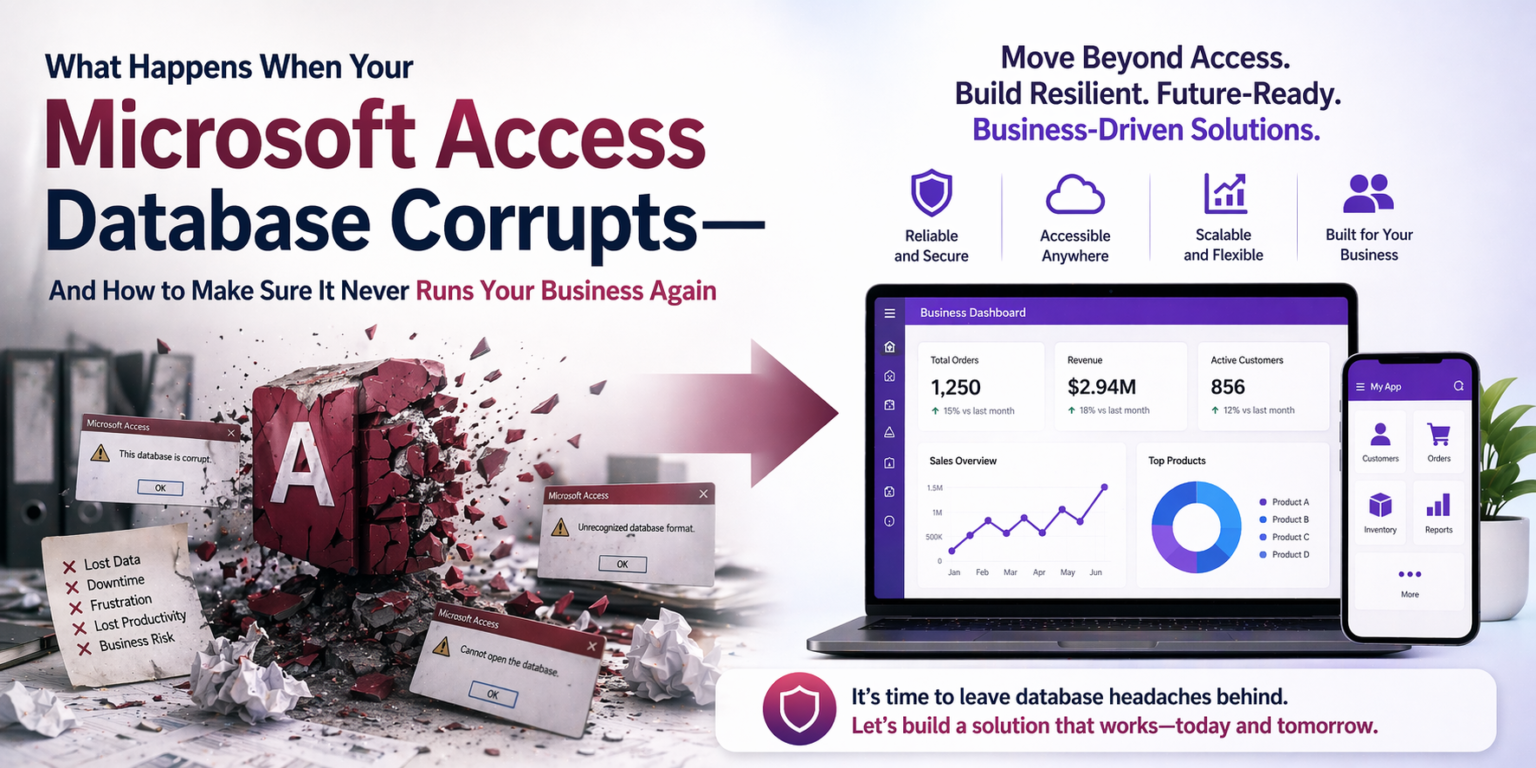
Almost every growing small and mid-sized business eventually outgrows the tools it started with. For instance, the spreadsheet that cleanly tracked ten clients now tracks two hundred, and nobody trusts the totals. Meanwhile, the paper checklist that worked in one warehouse becomes a bottleneck across three locations. Or the Microsoft Access database one employee built years ago runs half your daily operations, yet nobody else understands how it works.
At that turning point, business owners usually assume they face two painful choices: buy rigid off-the-shelf software that covers 80% of their workflow while forcing awkward workarounds for the rest, or commission custom software that costs six figures and takes a year to launch.
Fortunately, Power Apps offers a third path many small business owners don’t realize exists. It is flexible enough to match how your team actually operates, fast enough to build in weeks rather than months, and priced realistically for small and mid-sized companies.
What Power Apps Actually Is
To understand what is Power Apps in practice, it helps to see how it fits inside Microsoft’s Power Platform—four connected tools built to work together:
| Tool | What it does |
|---|---|
| Power Apps | Builds the app: the screens, forms and buttons people use |
| Power Automate | Automates the work behind the scenes: notifications, approvals, data moving between systems |
| Dataverse | A secure cloud database for your app’s data |
| Power BI | Turns your data into reports and dashboards |
Power Apps is a low-code tool: you build apps visually, by arranging components and setting up logic, instead of writing traditional code from scratch.
The apps are real business applications. They run in a browser, on phones, and on desktops. Furthermore, these solutions connect to SharePoint, Dataverse, SQL Server, Excel, and hundreds of other systems. Better yet, they enforce validation rules, show live data, support different user roles with distinct permissions, and handle business logic that once required a developer.
Power Apps doesn’t produce simpler or weaker apps than traditional development. It gets you there faster and for much less, because the foundation (data connections, screen components, security, mobile support) is already built. You configure rather than construct.
What Kinds of Apps Can You Build?
Almost anything a small business needs to run its operations. The most common categories:
- Data entry and record management. Replace paper forms, spreadsheets and Access databases with an app that checks entries, requires key fields and stores records in a real database: job intake, client records, inventory, onboarding checklists.
- Approval workflows. A request is submitted, routed to one or more approvers, and handled based on their answer: purchase requests, time off, change orders, expenses. See Automating SharePoint With Power Automate for examples.
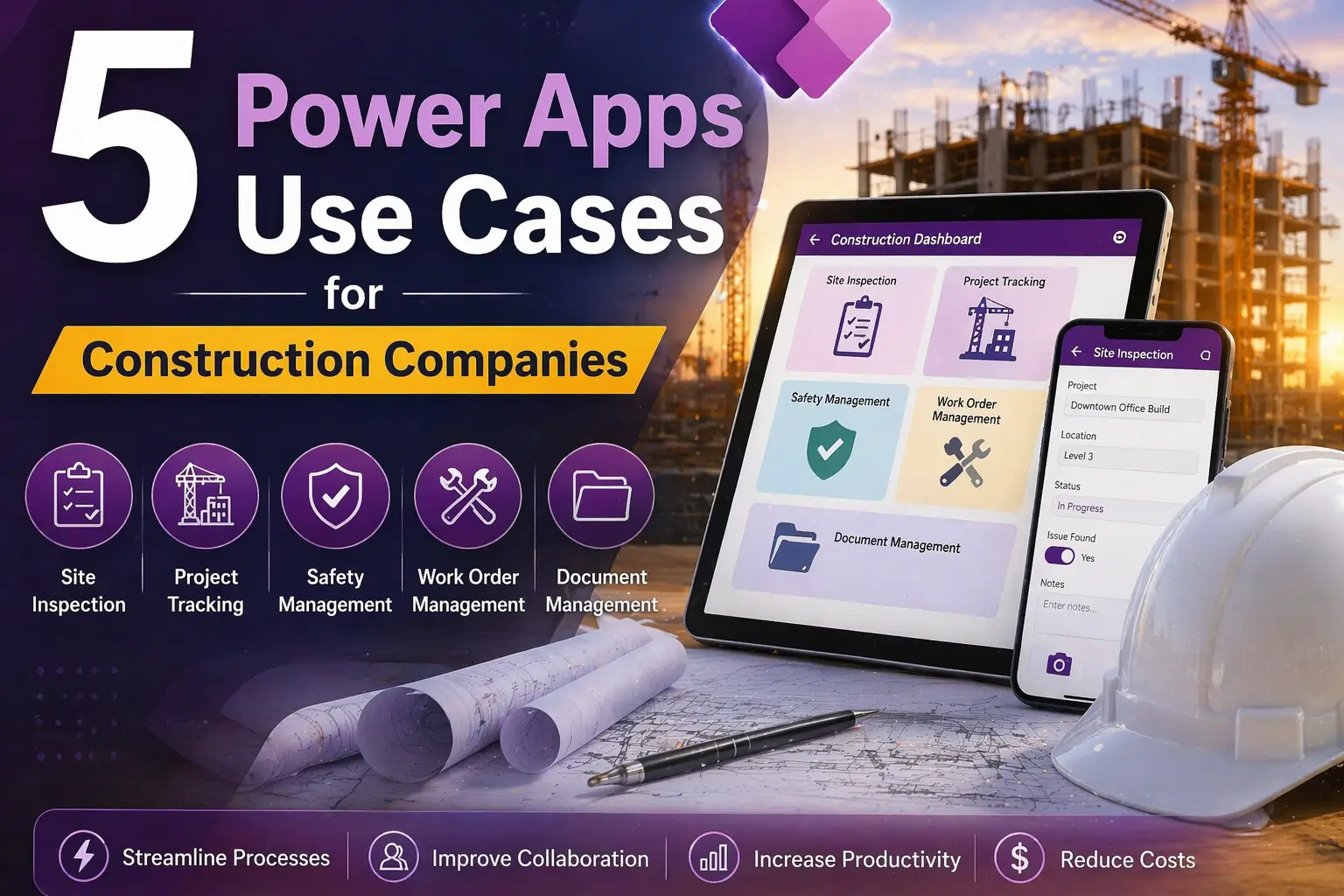
- Field operations. Mobile apps for staff away from a desk: inspections, service reports, delivery confirmations, safety reports. See our construction and healthcare examples.
- Dashboards and reporting. One view of data from several sources: job status boards, client pipelines, compliance dashboards, KPIs.
- Customer and vendor portals. External sites where clients, subcontractors or vendors submit requests, check status or upload documents, built with Power Pages, part of the same platform and licensed separately.
Who Is Power Apps For?
Power Apps is a strong fit if:
You’re already on Microsoft 365. If you use Outlook, Teams, SharePoint or OneDrive, most business plans already include Power Apps for apps built on SharePoint lists and standard connectors. For many businesses, the cost to start building is little or nothing.
A process has outgrown its current tool. The clearest sign is a spreadsheet acting like a database, with records, lookups and links between tabs. Or a paper form someone has to retype. Or “where’s that information?” always ending in “ask so-and-so.” See Are You Still Running Your Business From Excel?
You need something custom but can’t justify enterprise software. Packaged tools are built for the average business. If your process has a unique approval chain, unusual data or industry-specific fields, off-the-shelf software means compromises. Power Apps is built around your process.
You want something your team will actually use. Power Apps run on the devices your team already carries and look like modern apps, so adoption is easier than with a big enterprise system.
What Power Apps Is Not
It’s worth being honest about the limits:
- Not a website builder. It builds business apps, not marketing websites or online stores. (Power Pages can build portals for customers and vendors, but not your main website.)
- Not a replacement for core systems that work. If your EHR, accounting software or CRM does its job, keep it. Power Apps fills the gaps around those systems.
- Not unlimited without expertise. No-code works for simple apps. Complex data, custom integrations, advanced security and larger rollouts benefit greatly from someone who knows the platform. An app built by an experienced developer differs a lot in build time, performance and long-term upkeep from one built by someone learning as they go.
What Does Power Apps Cost?
- Licensing for simple apps: most Microsoft 365 business plans include Power Apps for apps built on SharePoint lists and standard connectors, so the extra cost can be zero.
- Licensing for Dataverse apps: apps using Dataverse (recommended for anything serious) or premium connectors need Power Apps Premium, about $20 per user per month at list price. For ten users, that’s about $200 a month. See Microsoft’s licensing details.
- Development: a straightforward app typically costs $3,000 to $7,000; a mid-complexity business app with several screens, Dataverse and Power Automate workflows, $8,000 to $20,000. See How Much Does a Power Apps Project Cost?
Is Power Apps Right for You? A Quick Check
- Your business uses Microsoft 365
- A process runs on spreadsheets, paper or an Access database that’s become unreliable or depends on one person
- Off-the-shelf software for the problem was too expensive, too generic or too complicated
- Staff need to capture or look up information away from a desk
If most of these apply, the conversation is worth having. For more signs, see 10 Signs Your Business Is Ready for Power Apps. If you’re on Access today, see Microsoft Access vs Power Apps.
The Bottom Line
Power Apps fills a gap most small businesses didn’t know could be filled: between the spreadsheet that’s become a liability and enterprise software that’s too expensive and rigid. For businesses already on Microsoft 365, it’s often the fastest, most affordable path to a real business app built around how you work.
It isn’t magic, and it isn’t instant. But it’s far more accessible than most small business owners realize, and the businesses that figure that out early gain a real edge over those still running on spreadsheets and paper. For the full argument, read The Case for Power Apps, or see our Power Apps and Power Platform development service.
Wondering what Power Apps could do for your business? Book a free diagnostic and we’ll tell you honestly whether it’s a fit.
Frequently Asked Questions
What is Microsoft Power Apps used for?
Power Apps is used to build custom business apps: data entry forms, record systems, approval workflows, field service and inspection apps, dashboards and customer or vendor portals.
Is Power Apps free with Microsoft 365?
Partly. Most Microsoft 365 business plans include Power Apps for apps on SharePoint lists and standard connectors. Apps using Dataverse or premium connectors need Power Apps Premium, about $20 per user per month.
Do you need to know how to code to use Power Apps?
No. Power Apps is low-code: you build apps visually. Simple apps can be built without coding, while complex apps benefit from an experienced developer who knows the platform.
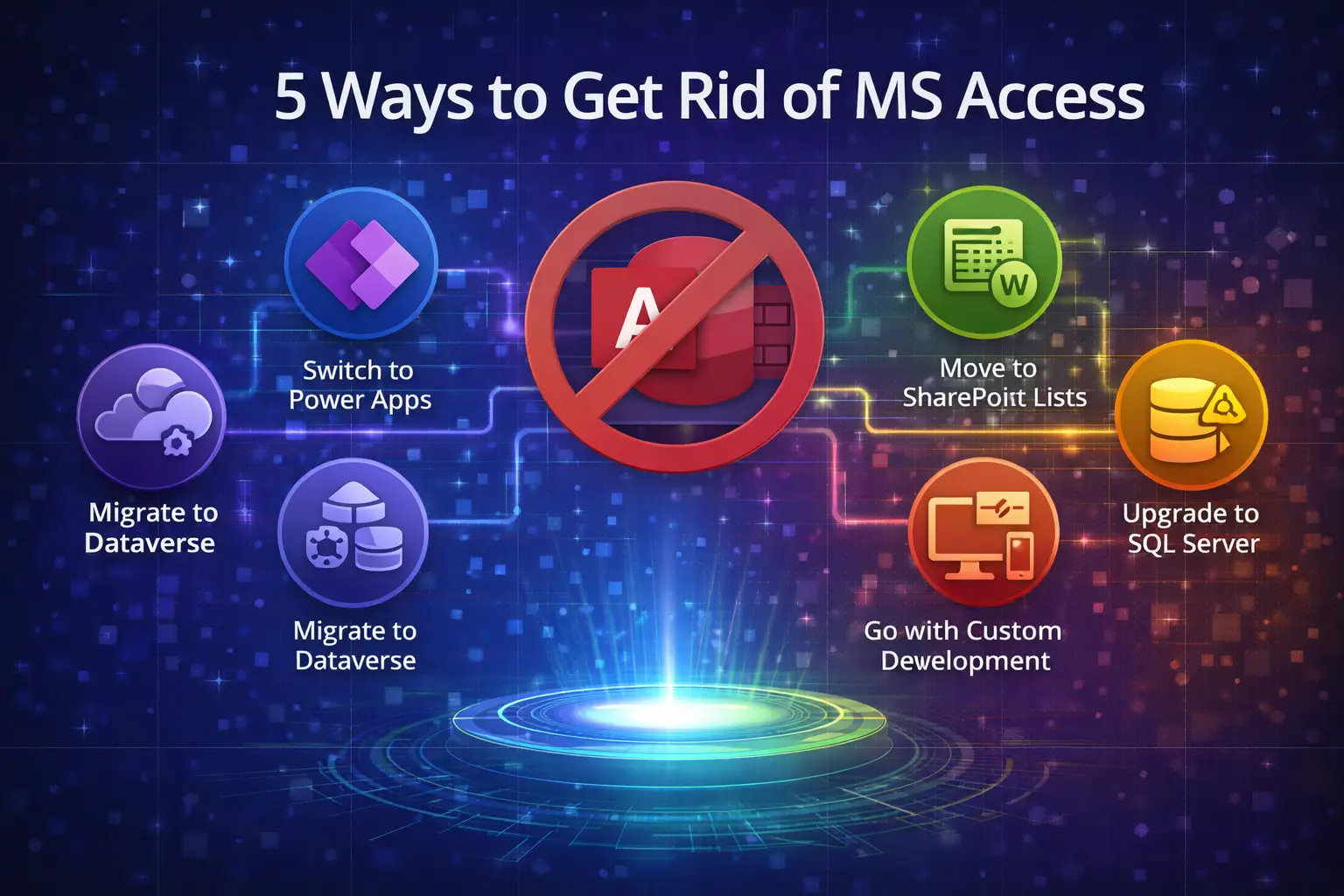
Can Power Apps replace Microsoft Access?
Yes, for most business databases. Power Apps adds web and mobile access, cloud data and better security. Complex Access databases are often migrated in phases.
Anthony Passeri, MBA, is the founder of Access Evolved and a certified Microsoft Access Expert with 21+ years of Access and relational database experience. He helps businesses keep critical Access databases running and modernize them to Power Platform or SQL Server. More about Anthony
Talk to an Access Expert
Not sure what this means for your database? Book a free diagnostic call. No sales pitch, just a straight conversation about what makes sense for your situation.
Phone: 623-267-5720
Email: info@accessevolved.com
Access Evolved | 19580 W Indian School Rd, Ste 105 #815, Buckeye, AZ 85396
Sources
- Microsoft Learn: Power Apps licensing and Microsoft 365 capabilities
- AlphaBOLD: Power Apps pricing, 2026