Short answer: You’ve outgrown Excel when several people edit the same file, nobody’s sure which version is current, errors keep slipping in, and spreadsheets are acting like a database. Excel is still great for analysis, but daily multi-user processes belong in a real app, which many Microsoft 365 businesses can build with tools they already have.
Excel is one of the most powerful tools Microsoft ever built. It’s flexible, familiar and on nearly every work computer in the world. For a lot of small businesses, it was the first tool that actually worked, and for years it kept working.
But there’s a difference between using Excel and depending on it. If Excel is where your data lives, where your processes happen and where decisions get made, it’s worth asking whether the tool that got you here can take you further.
6 Signs You’ve Outgrown Excel
Most businesses don’t decide to over-rely on Excel. It happens gradually. You build a tracker for one thing, then another. Someone adds a tab. A formula breaks and nobody knows why. Suddenly you have a mission-critical file that seventeen people email back and forth and nobody fully trusts.
Here are the signs we see most often.
1. Several People Need the Same File at the Same Time
Excel wasn’t built to be a multi-user database. Co-authoring exists, but it breaks down quickly under real operational use: conflicting edits, sorted ranges, overwritten rows. If your team waits for each other to close a file before updating it, that’s a process problem disguised as an Excel problem.
2. You Have a “Master” File and Aren’t Sure It’s Current
If “make sure you’re working off the latest version” is a phrase in your office, that’s the sign. Version confusion is one of the most common, and most quietly expensive, problems in Excel-dependent businesses.
3. Data Entry Errors Keep Happening
Excel does have data validation and dropdowns, but they’re easy to skip, overwrite or paste right over. In practice, anyone can type anything anywhere. Errors pile up, and in a flat file, one bad row can throw off an entire analysis.
4. You’ve Built Formulas Nobody Else Understands
This is more common than people admit. The person who built the workbook leaves or gets sick, and suddenly nobody can explain why column Q multiplies into column R or what the VLOOKUP on the summary tab actually pulls. That’s operational risk sitting in an .xlsx file.
5. Your Reporting Is Manual
If someone spends hours each week copying data between tabs, reformatting for leadership, or rebuilding the same pivot table, that’s time spent moving data instead of using it.
6. You’re Tracking People, Jobs, Clients or Inventory in Rows
The moment a spreadsheet starts behaving like a database, with records, relationships and lookups between sheets, it’s telling you something. Excel can impersonate a database for a while, but it isn’t one, and the cracks eventually show.
Recognize three or more? See also 10 Signs Your Business Is Ready for Power Apps.
What Excel Is Still Great For
To be fair, Excel is excellent at certain things, and the goal isn’t to get rid of it.
| Excel is the right tool for | A real app is better for |
|---|---|
| Financial models and projections | Daily processes several people work in |
| One-off analysis and calculations | Records that must stay accurate and consistent |
| Quick data exploration | Approvals, assignments and status tracking |
| Personal trackers and lists | Data that needs permissions and an audit trail |
| Ad hoc charts | Work done on phones or in the field |
The problem isn’t Excel. It’s using Excel as infrastructure: the system of record, the workflow engine and the reporting layer all at once, for something that runs every day and involves many people.
What the Alternative Looks Like
For most small and mid-sized businesses already on Microsoft 365, the upgrade is closer and cheaper than they expect:
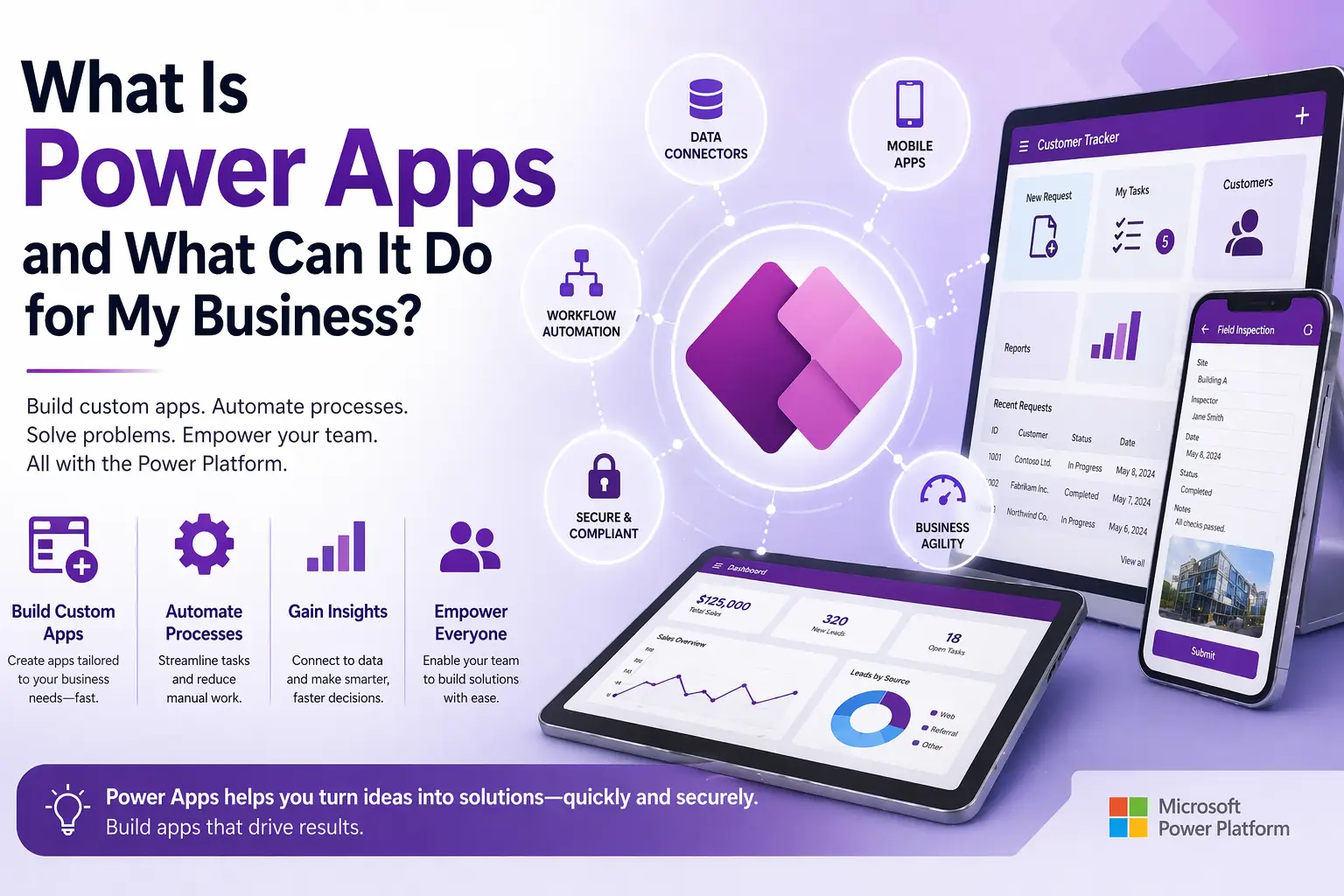
- Power Apps builds a custom app with forms, dropdowns, required fields and real data structure, without traditional code. It runs in a browser, on a phone and on a desktop.
- SharePoint lists or Dataverse give you a proper back end with relationships between records, permissions and change history, instead of a flat file on a shared drive.
- Power Automate handles the workflow that now lives in someone’s head: notifications when records change, approvals routed to the right person, data pushed where it needs to go.
- Power BI turns your data into dashboards that stay up to date, so reporting becomes a tab someone opens instead of a weekly chore.
What’s included: most Microsoft 365 business plans already cover Power Apps and Power Automate for apps built on SharePoint lists and standard connectors, so many businesses can start without new licenses. Apps on Dataverse need Power Apps Premium, and sharing Power BI dashboards needs Power BI Pro, which is included only in E5 plans. See Microsoft’s Power Apps licensing details. We’ll tell you upfront which tier your app needs.
What Moving Off Excel Involves
The conversation we hear most is: “We know we need something better, but we don’t have time for a big technology project right now.”
That’s fair. But a well-scoped project doesn’t have to be big or disruptive. For a business running on two or three core spreadsheets, a Power Apps replacement can typically be designed, built, tested and launched in four to six weeks. You end up with a real app, your data intact, and your team trained, without a months-long IT overhaul.
The starting point is understanding what your spreadsheets actually do: not just what’s in them, but which process they support, who uses them, how often, and what breaks when something goes wrong. That usually takes a single conversation, and it tells us what we need to scope the work.
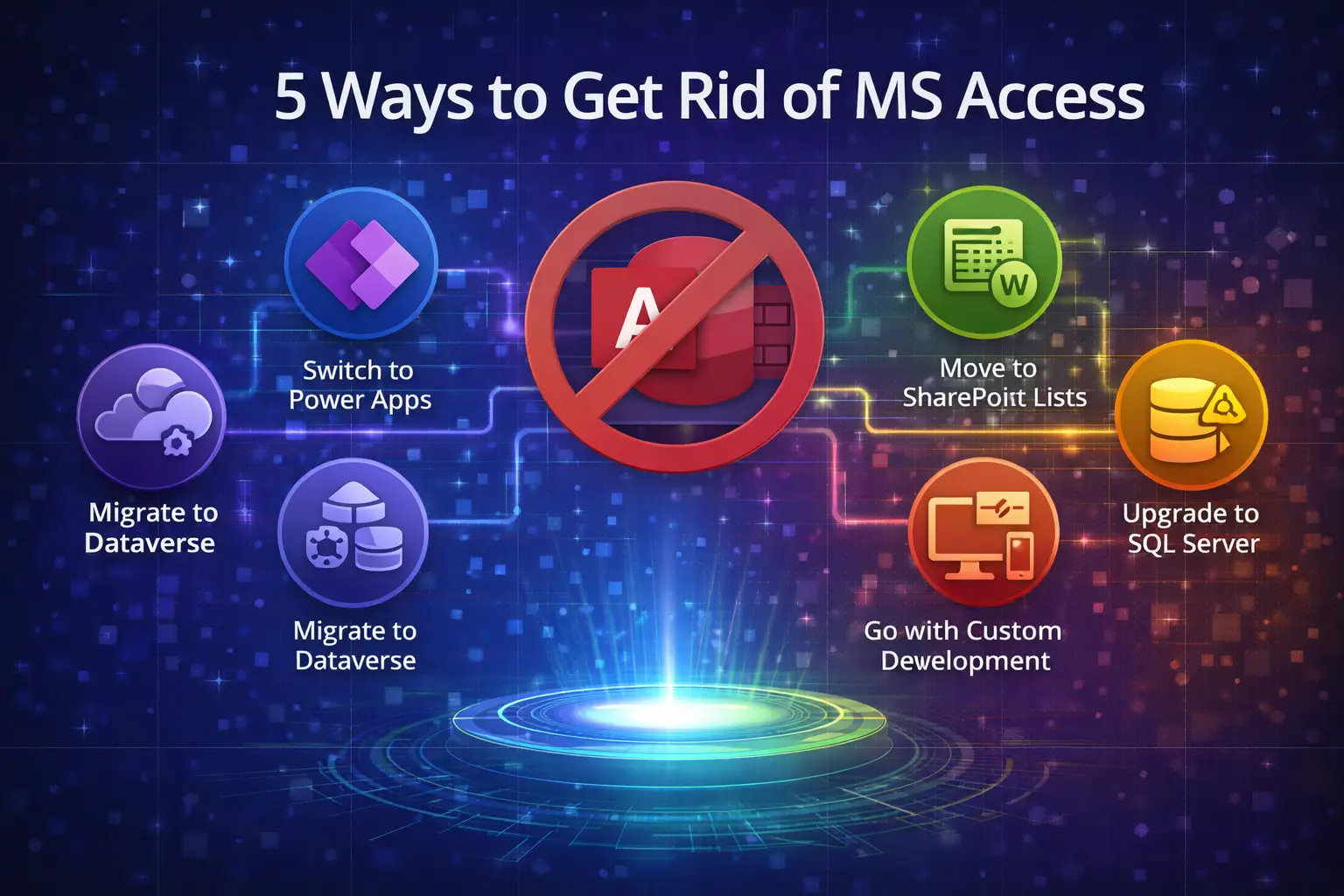
Some businesses moved from Excel to Access years ago and now face the same questions with an Access database. If that’s you, see How to Know When It’s Time to Migrate Off Microsoft Access.
The Real Cost of Staying Put
It’s easy to look at the cost of building something better and decide the spreadsheet is fine for now. What’s harder to see is the ongoing cost: hours of manual data work, decisions made on stale or wrong numbers, errors that slip through with no validation, and the risk sitting in a file on someone’s desktop.
A quick example: if four people each spend three hours a week on spreadsheet cleanup and copying, at $30 an hour, that’s about $18,700 a year. Those costs never show up on an invoice, but they’re real, and they compound.
The businesses that make the jump from Excel to a proper app almost always say the same thing afterward: they wish they’d done it sooner.
If This Sounds Familiar
Access Evolved helps small and mid-sized businesses replace spreadsheet-based processes with Power Apps, Power Automate and Dataverse solutions on the Microsoft stack. We work with businesses that have run on Excel and Access for years and are ready for something that scales. See our Power Apps and Power Platform development service and our case studies.
Not sure your spreadsheet problem is worth solving? Book a free diagnostic, tell us what you’re working with, and we’ll give you a straight answer.
Frequently Asked Questions
How do I know if my business has outgrown Excel?
Common signs are several people editing the same file, confusion over which version is current, frequent data entry errors, formulas only one person understands, hours of manual reporting, and spreadsheets used to track records like jobs, clients or inventory.
What should I replace Excel with?
For shared business processes, a Power App connected to SharePoint lists or Dataverse is a common choice for Microsoft 365 businesses. Keep Excel for analysis, modeling and one-off calculations.
Can Power Apps use my existing Excel data?
Yes. Your spreadsheet data can be imported into SharePoint lists or Dataverse, cleaned up along the way, and used as the foundation for the new app.
How long does it take to replace a spreadsheet with an app?
For a business running on two or three core spreadsheets, a Power Apps replacement typically takes four to six weeks from design to launch.
Anthony Passeri, MBA, is the founder of Access Evolved and a certified Microsoft Access Expert with 21+ years of Access and relational database experience. He helps businesses keep critical Access databases running and modernize them to Power Platform or SQL Server. More about Anthony
Talk to an Access Expert
Not sure what this means for your database? Book a free diagnostic call. No sales pitch, just a straight conversation about what makes sense for your situation.
Phone: 623-267-5720
Email: info@accessevolved.com
Access Evolved | 19580 W Indian School Rd, Ste 105 #815, Buckeye, AZ 85396